Rename a vCenter Display Name in VCF Operations
Rename a vCenter display name in VCF Operations inventory. Follow the lab steps for changing the object label shown in integrations and licensing.
Overview
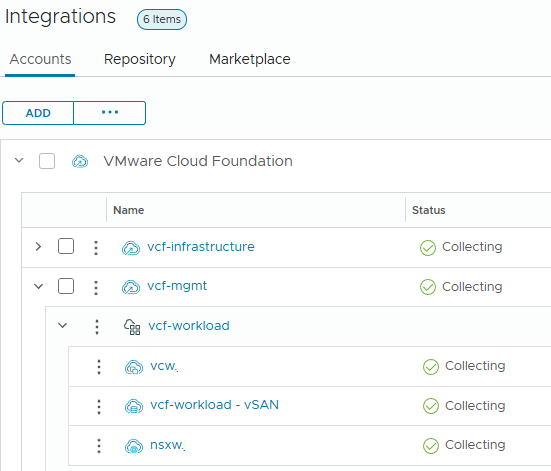
This procedure changes a vCenter display name in VCF Operations inventory. I used it to replace the workload-domain label shown for my vCenter; it changes the displayed object label, not the workload-domain identity.
After the workload domain was deployed, I noticed that the vCenter name was listed as the workload domain name instead of the vCenter name. While this is just a cosmetic thing, I like having my vCenter name listed instead of the workload domain name. I wanted to provide a walkthrough on how to change this setting in case others wanted to change this as well to match their vCenter name.
Open inventory management
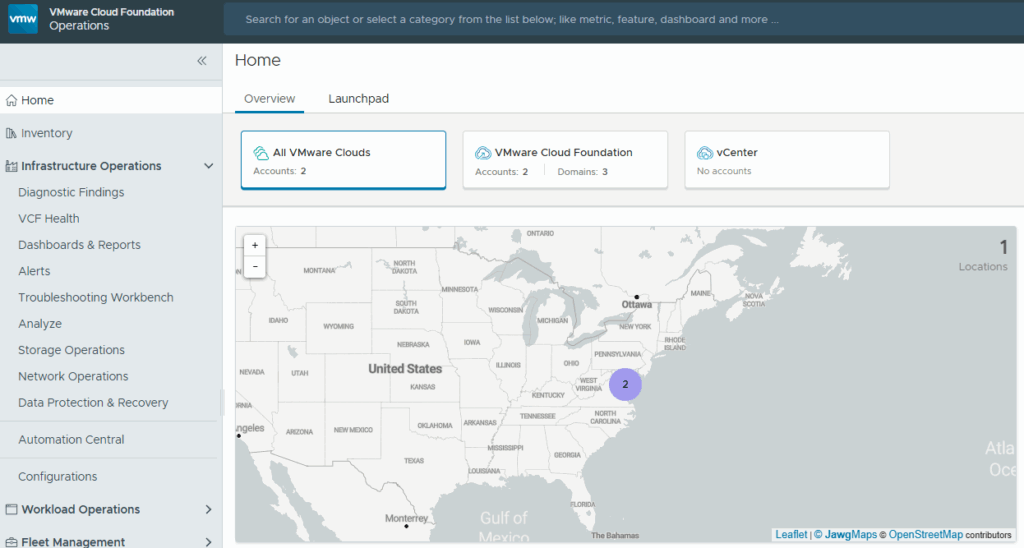
First start by logging into the VCF Operations Web GUI, then expand Infrastructure Operations.
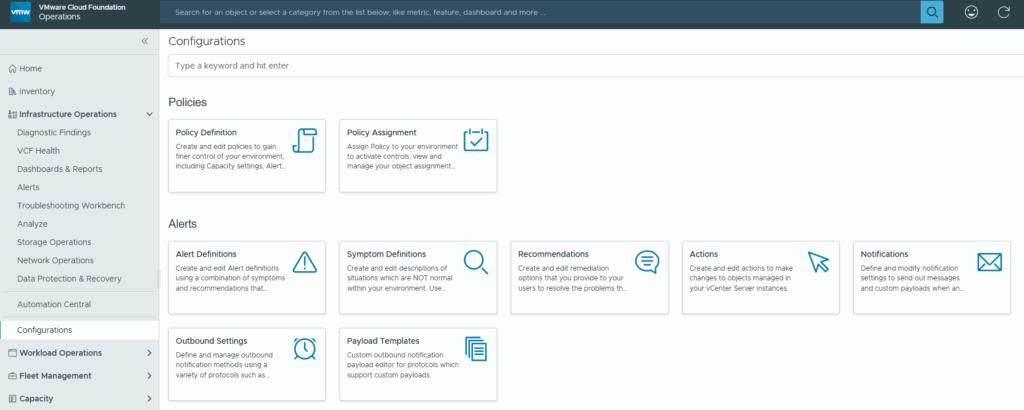
Click on Configurations
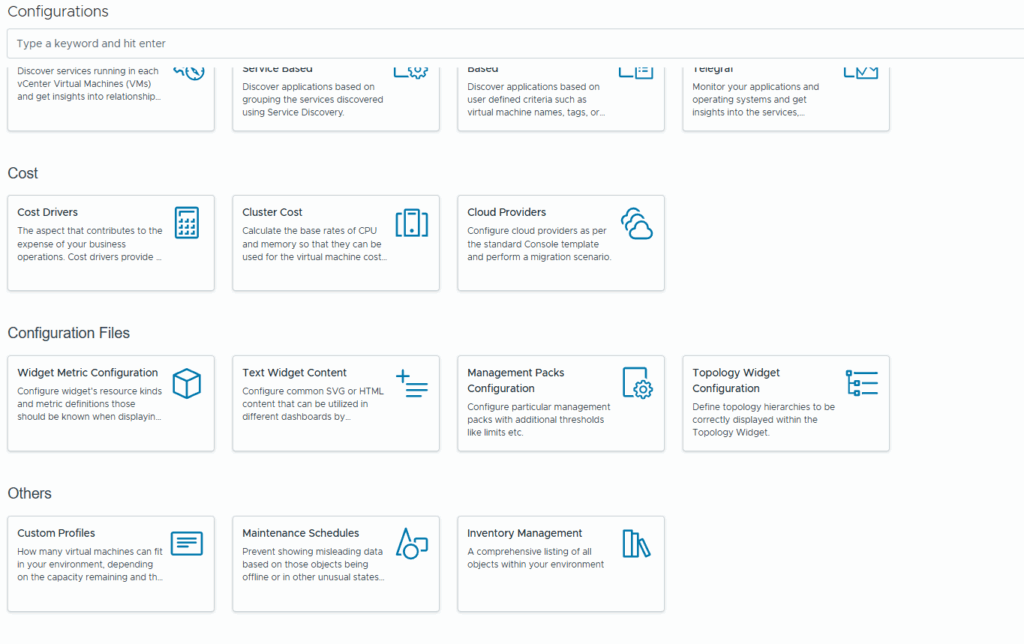
Then scroll down on the right side and click on Inventory Management under the Others section
In the left hand column on Inventory Management, expand Adapter Instances > vCenter
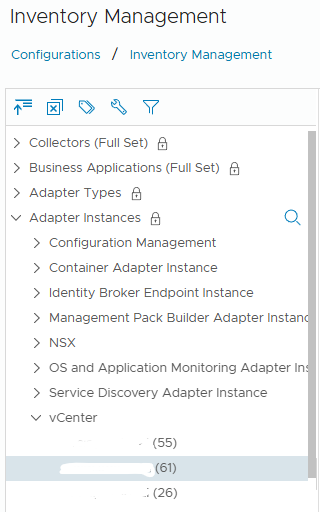
Click on the vCenter name you want to change and look for the Object Type vCenter in the Object column
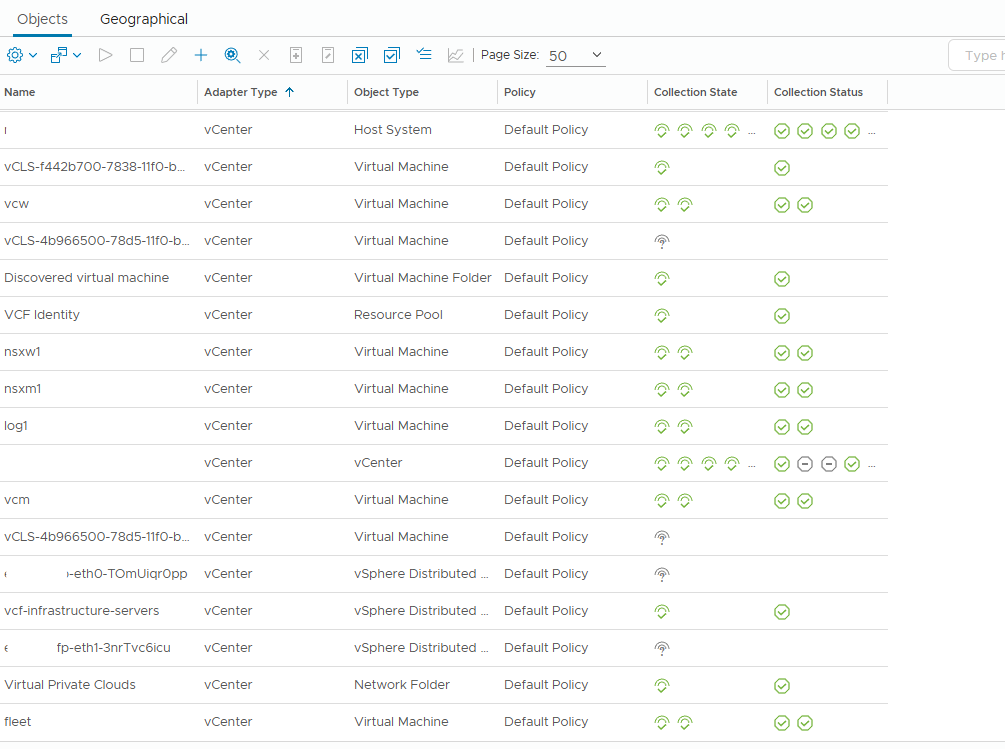
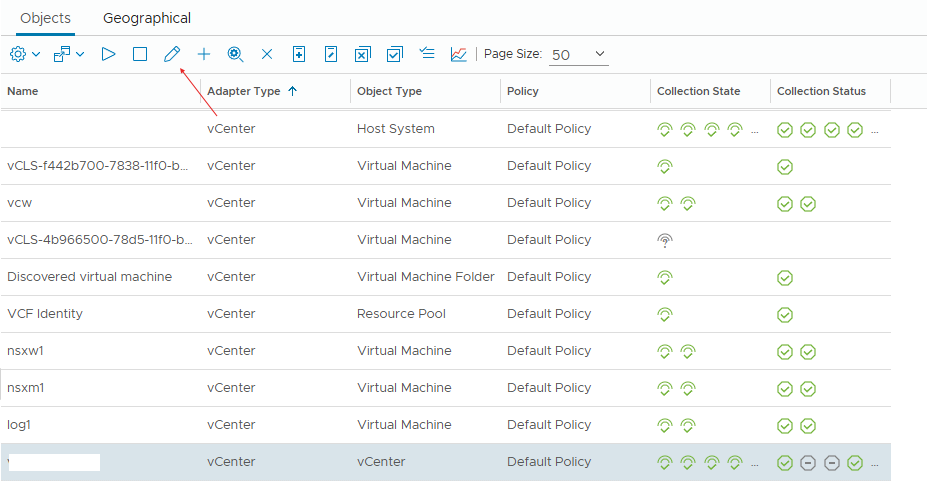
Change the display name
Then click on the pencil icon to edit this entry
In the Edit Objects pop-up change the display name to match the vCenter and click OK.
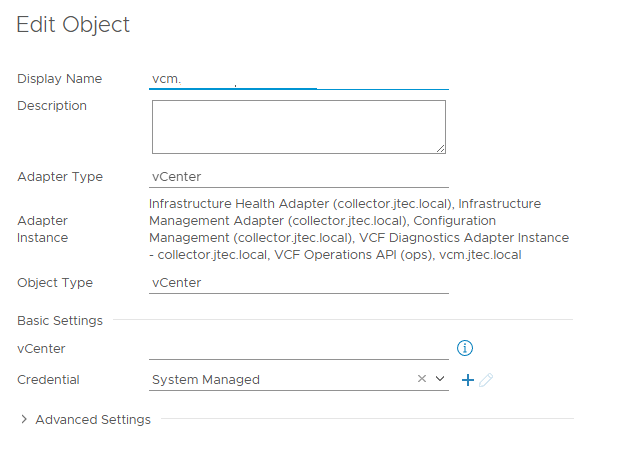
The display will change for that vCenter and you after some time you will see this changed in the Licensing section and the connector for that vCenter in the Integrations page.