
We now have almost every component within VCF Operations deployed, except for Operations for Networks. This is a product that I am not as familiar with but I want to walkthrough the deployment and at least get it running in the lab so I can circle back and learn more about it later on.
Start by logging in to the VCF Operations web gui.
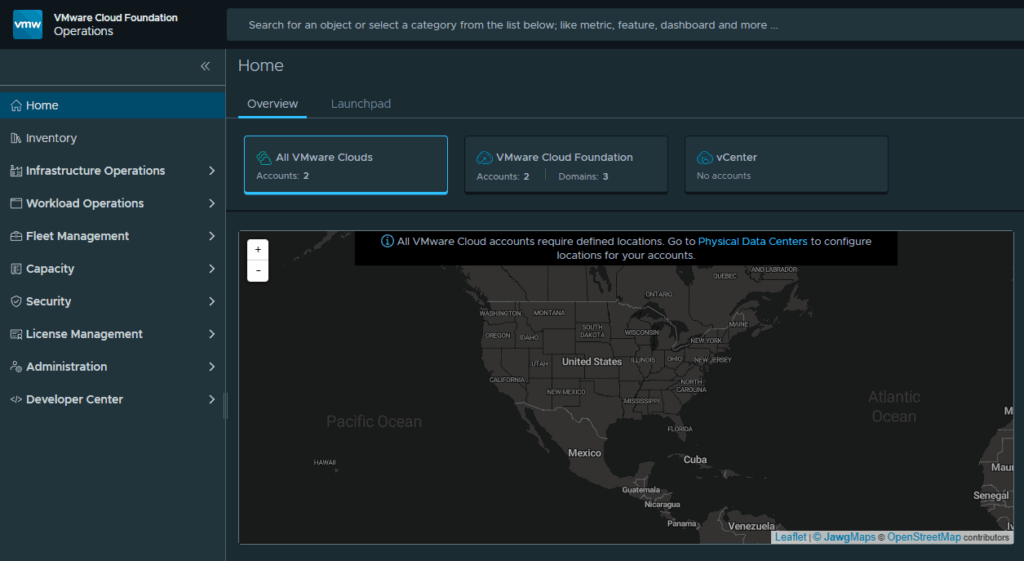
Expand Fleet Management and click on Lifecycle
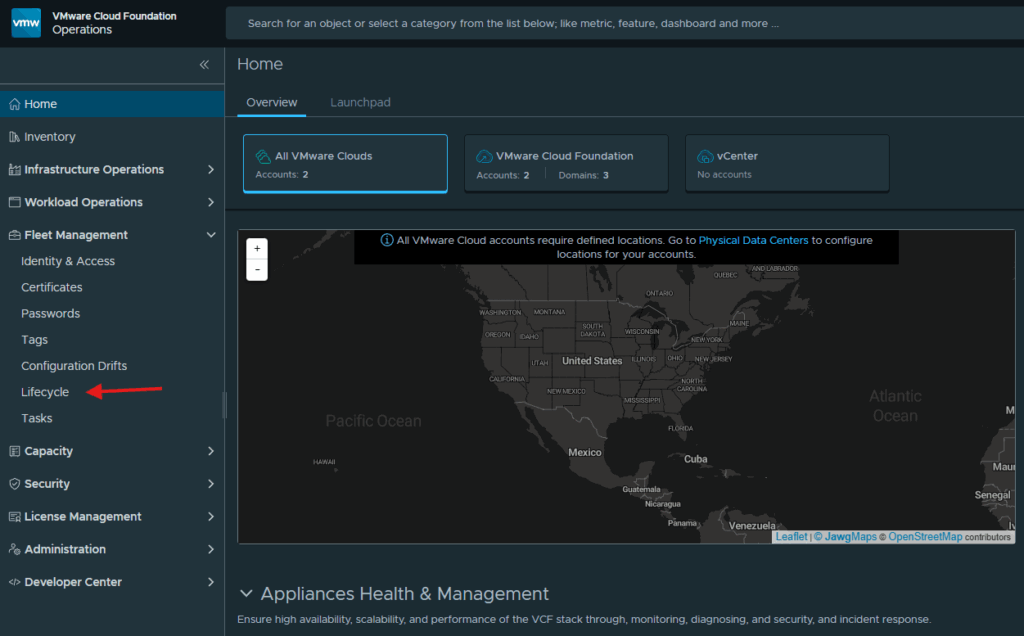
Click Add underneath operations-networks
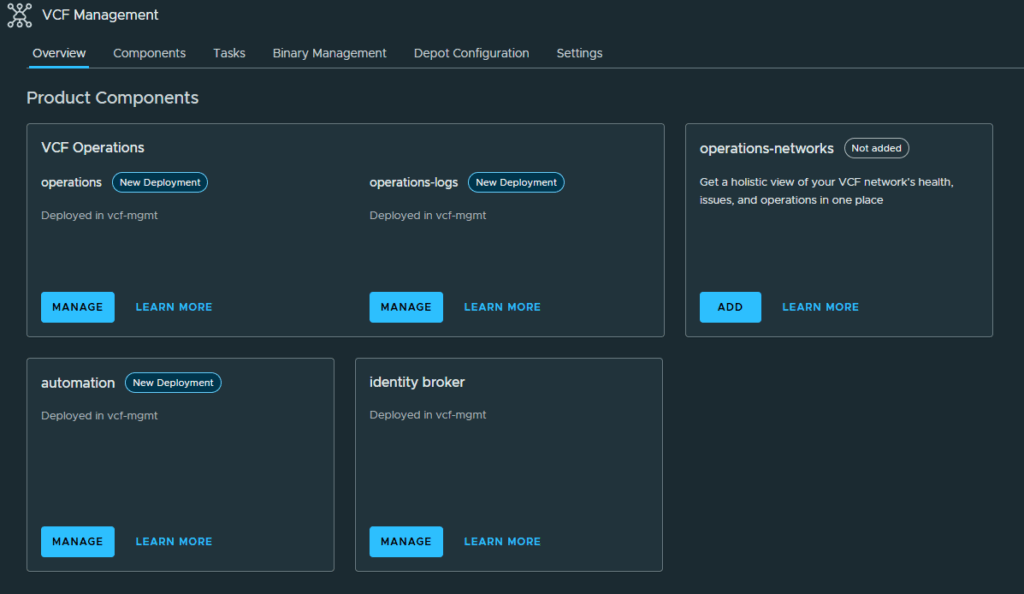
At the Deployment screen, select New Install and standard deployment for deployment type since this is a lab. click Next to continue
Click the Plus sign and select Generate Certificate to create a self-signed certificate for this deployment
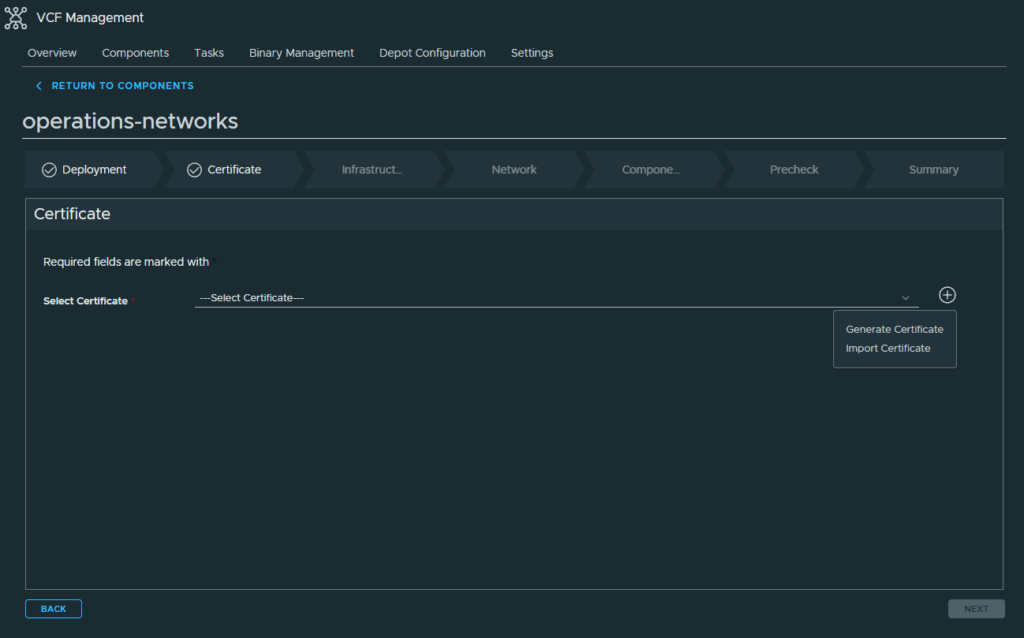
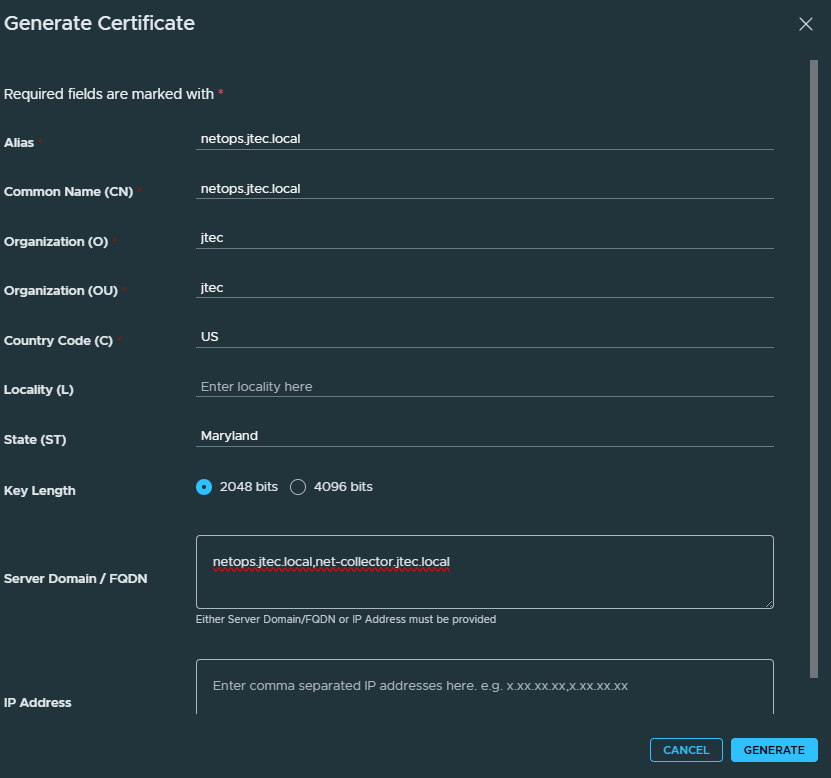
Enter in the required information to create the certificate, for VCF Operations for Networks there are going to be 2 appliances deployed so be sure to include both of those FQDNs in your certificate. Click Generate
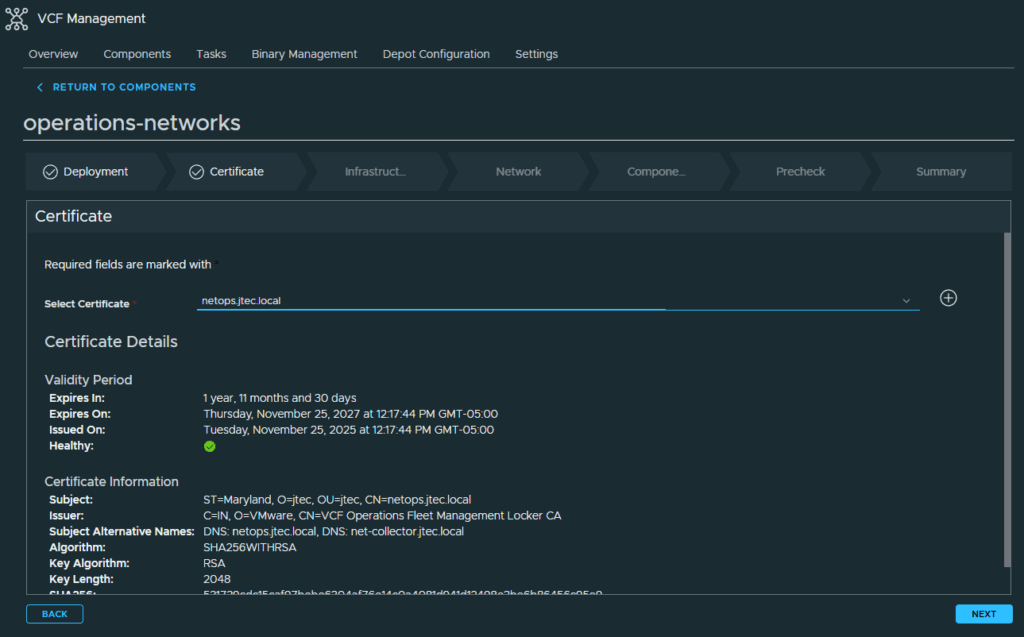
In the drop down, select the newly created certificate and click Next
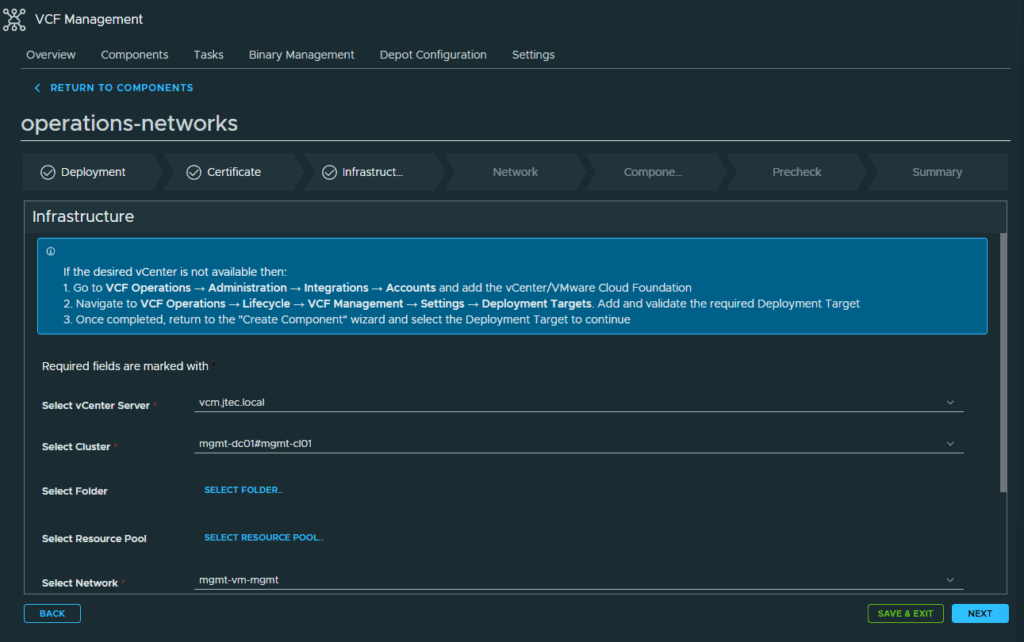
Enter in the infrastructure settings to tell VCF Operations where to deploy the appliances. Click Next
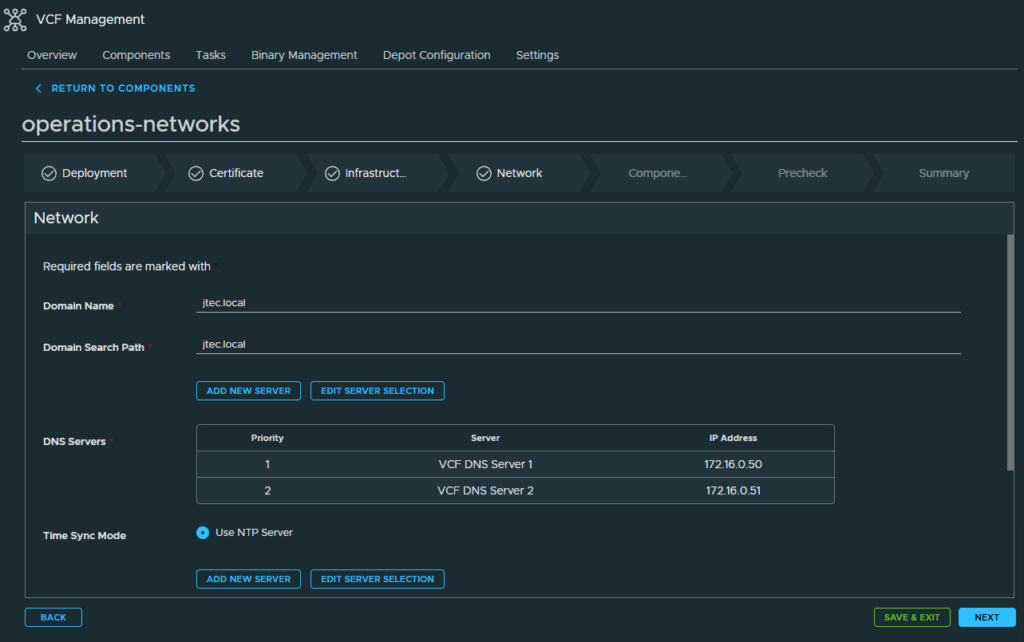
Provide the domain name, DNS and NTP servers for the appliance deployment along with the default gateway and subnet mask. Once you have entered in the network configuration settings, click Next
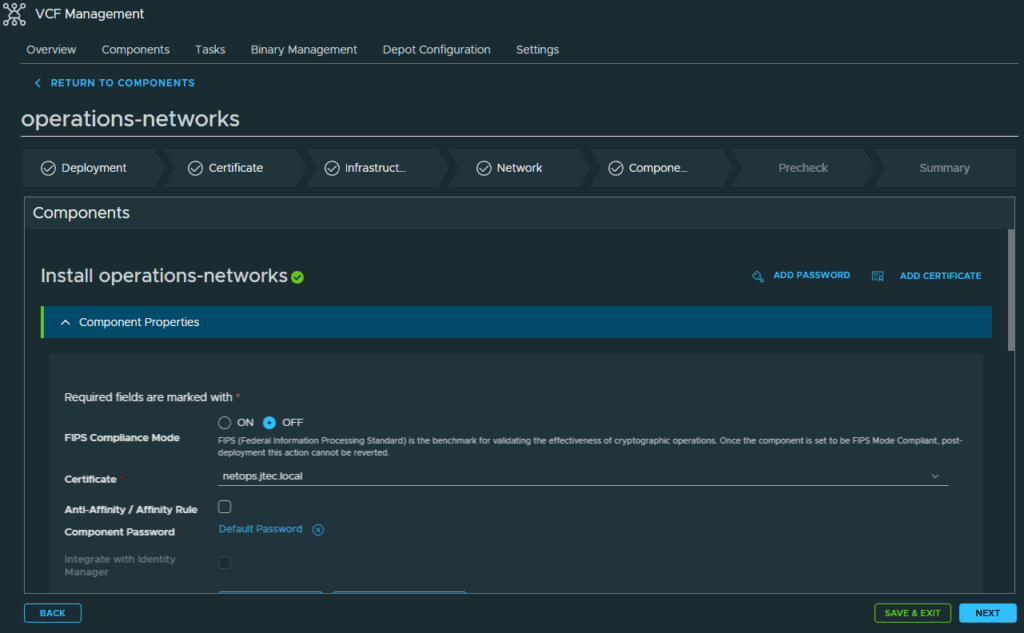
Enter in the default password and appliance details for the platform and collector appliances. Click Next to continue.
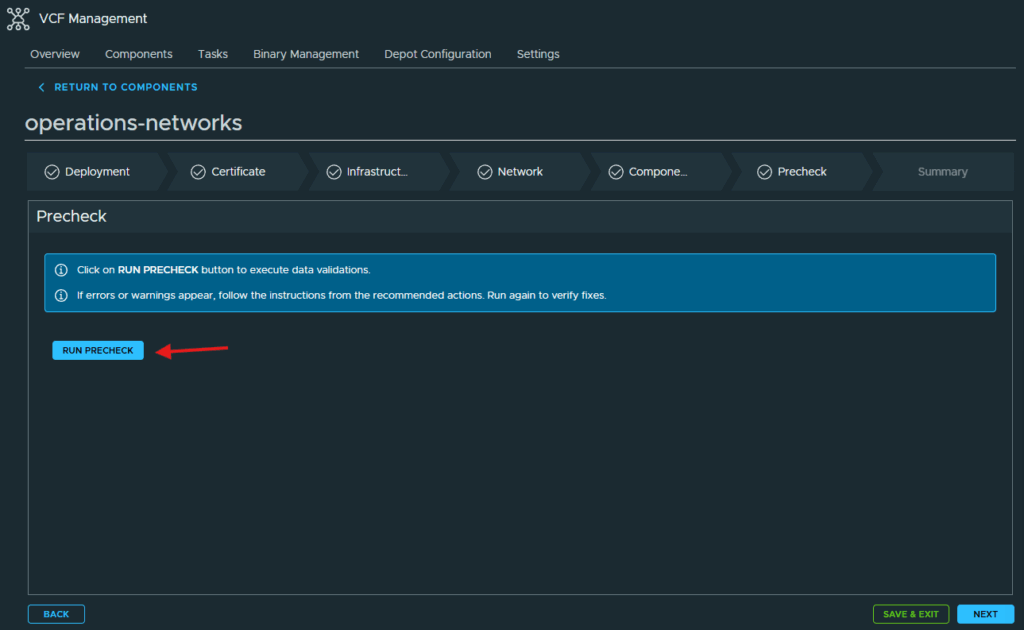
Click Run Precheck to validate the information entered.
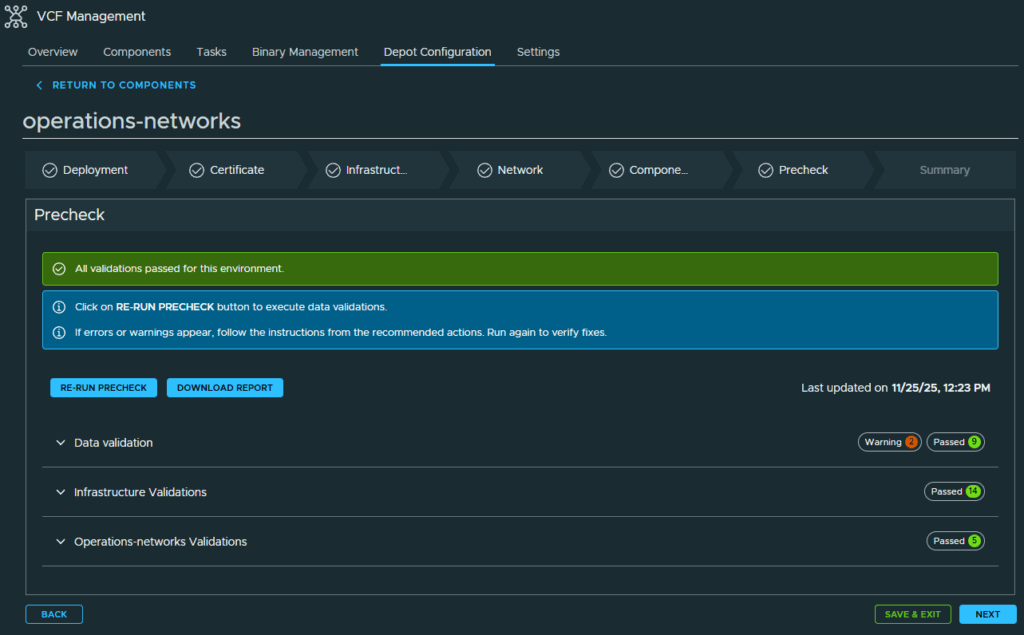
After the prechecks pass, click Next to continue to the summary page.
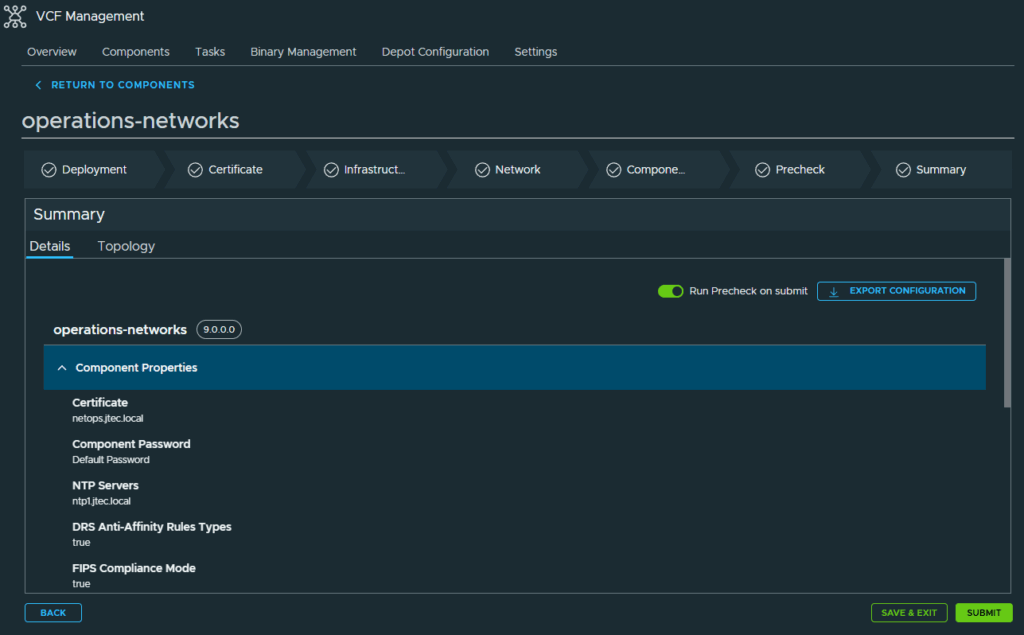
Review the settings at the summary page and click Submit to deploy. If any changes need to be made to the deployment you can go back and re-run the precheck.
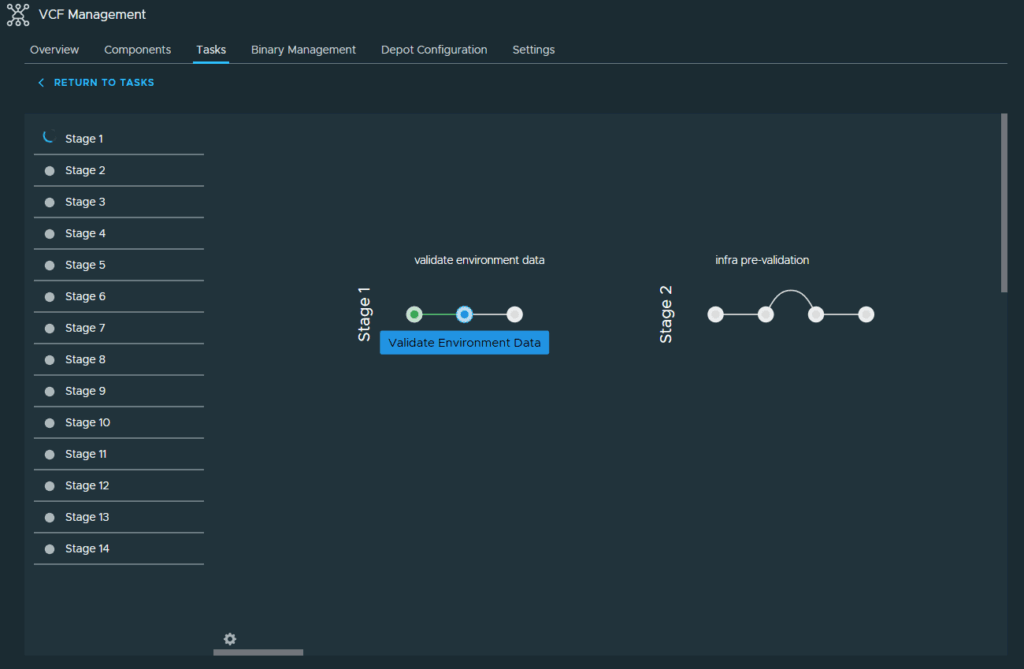
The deployment will start with re-running the validations.
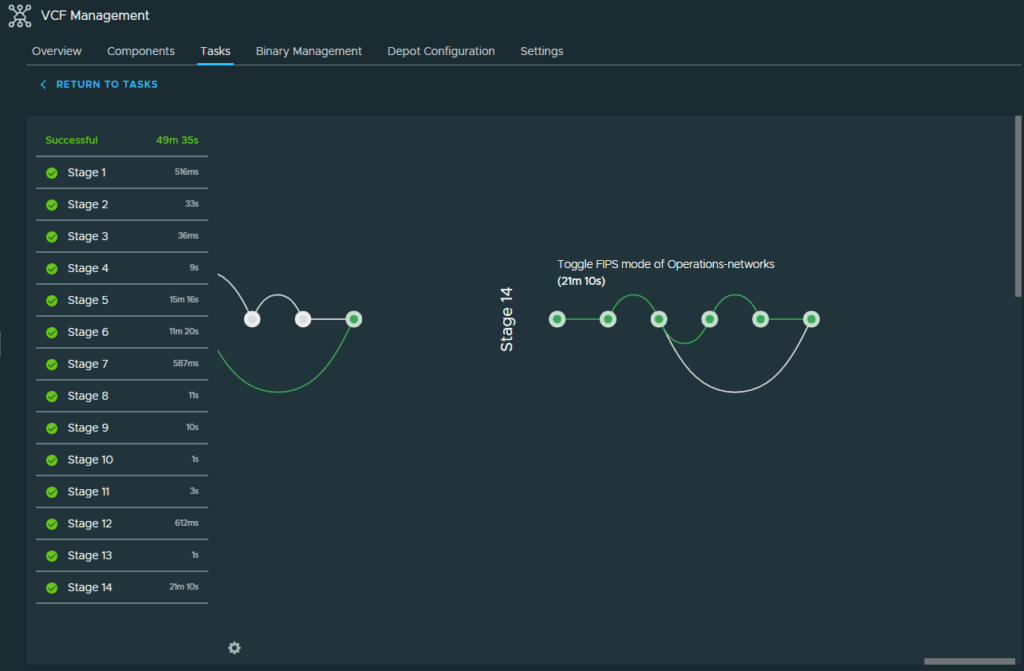
Once the deployment has completed, we have all the components installed for VCF Operations.
You can return to my main VCF Lab page to follow along with this deployment.