So you deployed a VCF fleet for your management domain and possibly a workload domain, VCF operations is running and everything is being collected, right? Not so fast, if you have deployed VCF Operations for Logs and VCF Operations for Networks that will still have to be configured in VCF Operations.
In this post I want to go over how to configure those additional pieces for collection in VCF Operations. Start by logging into the VCF Operations web gui.
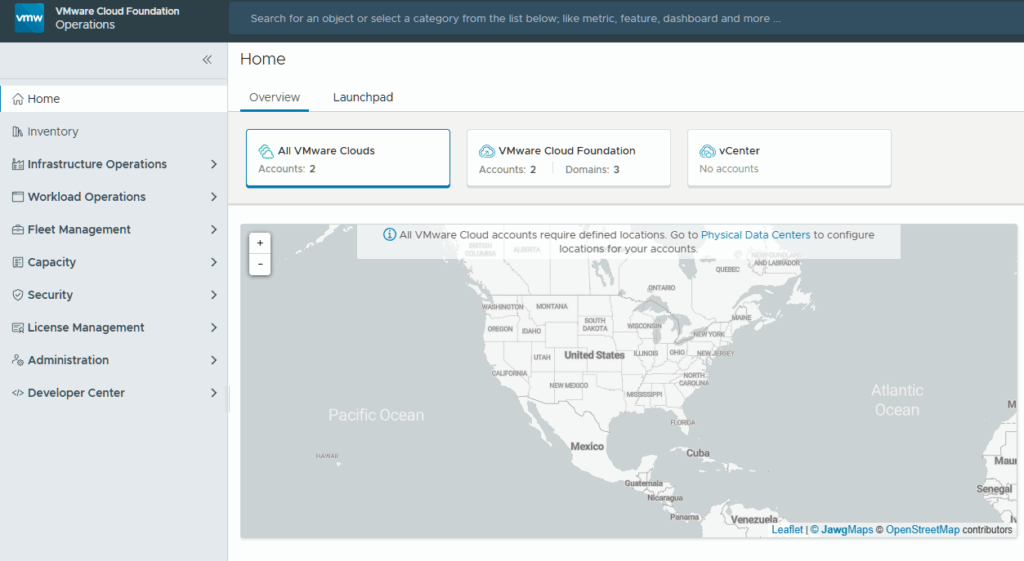
Expand Administration and click on Integrations.
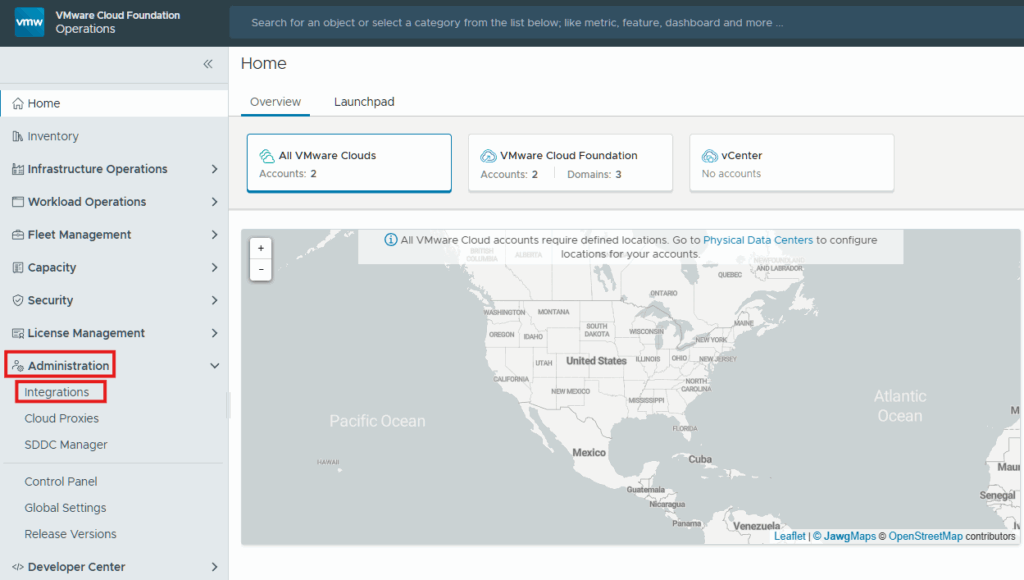
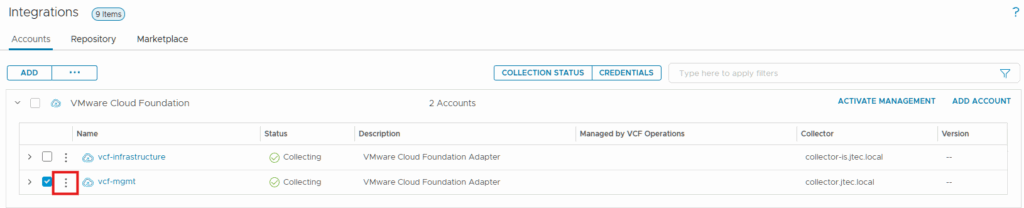
Expand VMware Cloud Foundation.

Click the 3 dots next to the adapter we want to manage and select Edit.
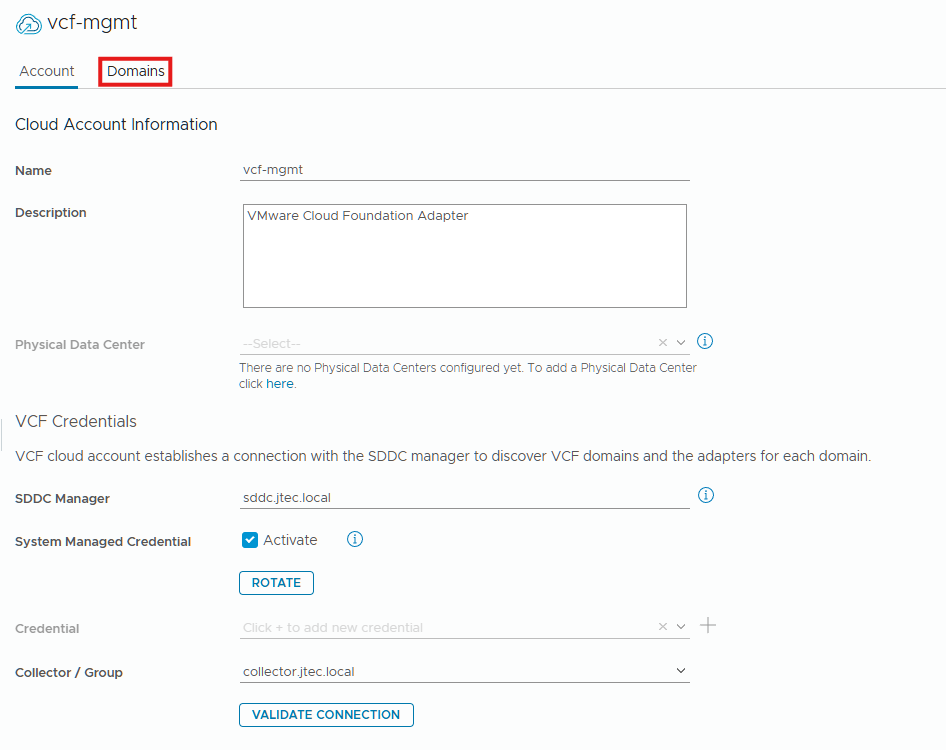
Click on Domains.
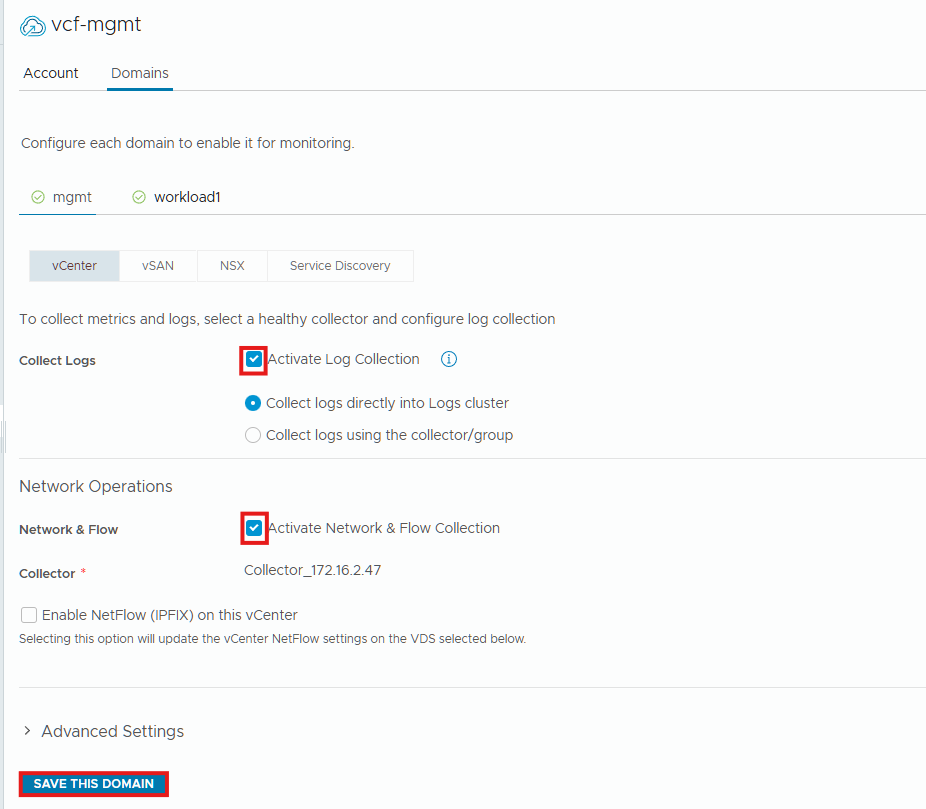
Locate the Log Operations section on the vCenter and click the checkbox next to Activate Log Collection.
Scroll down and click the checkbox next to Activate Network & Flow Collection under Network Operations.
Click Save This Domain.
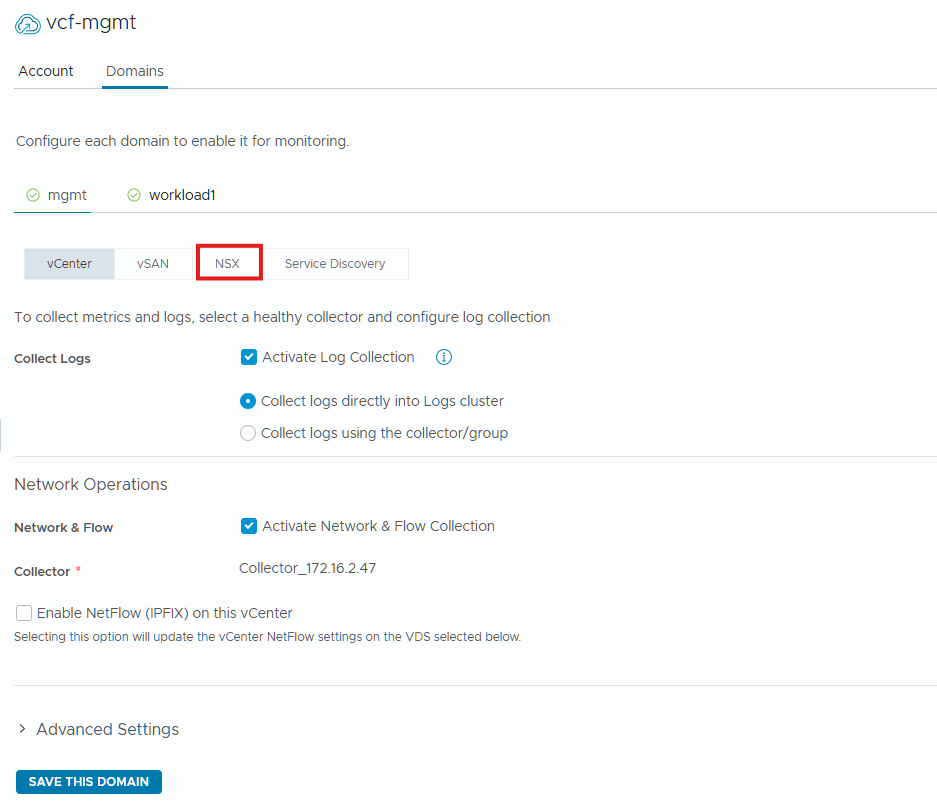
vCenter will start being collected by these products now, we also need to do the same for NSX. Click on the NSX tab.
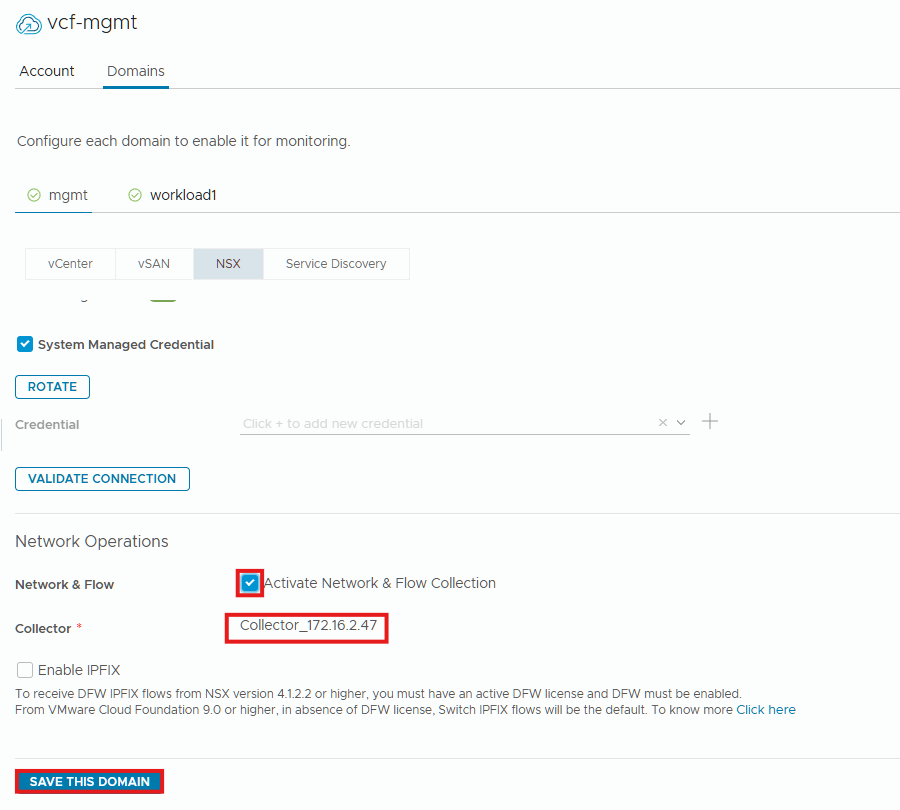
Click the checkbox next to Activate Network & Flow Collection and select the collector in the drop-down box. Click Save this Domain.
We now have both vCenter and NSX configure for VCF Operations for Logs and VCF Operations for Networks. This can be validated by logging into the VCF Operations for Networks gui and clicking on Settings > Accounts and Data Sources.
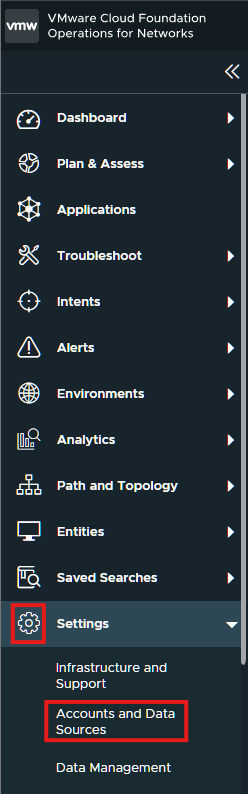
You will see those data sources listed now.

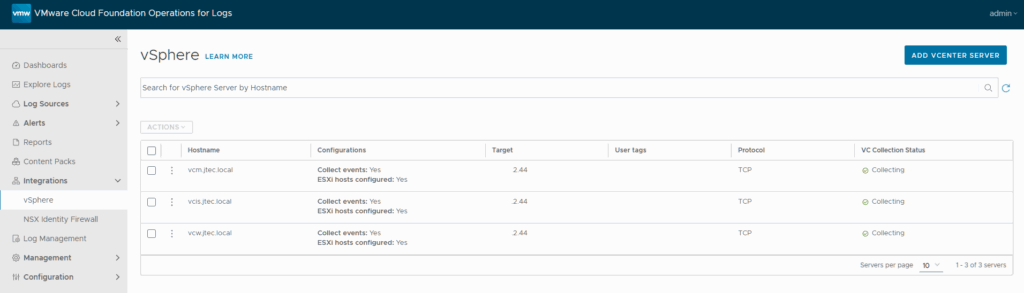
You can also login to VCF Operations for Logs and click on Integrations > vSphere to view the data connections.