
In my previous post, I configured the external certificate authority connections with the VCF management and VCF instances.
We can now begin deploying external CA certificates to the VCF components. At the VCF Management screen, click the radio button next to the fleet management component. You will see there are 2 listings for fleet management, ensure you click the radio button for the certificate that matches the FQDN of the fleet manager.
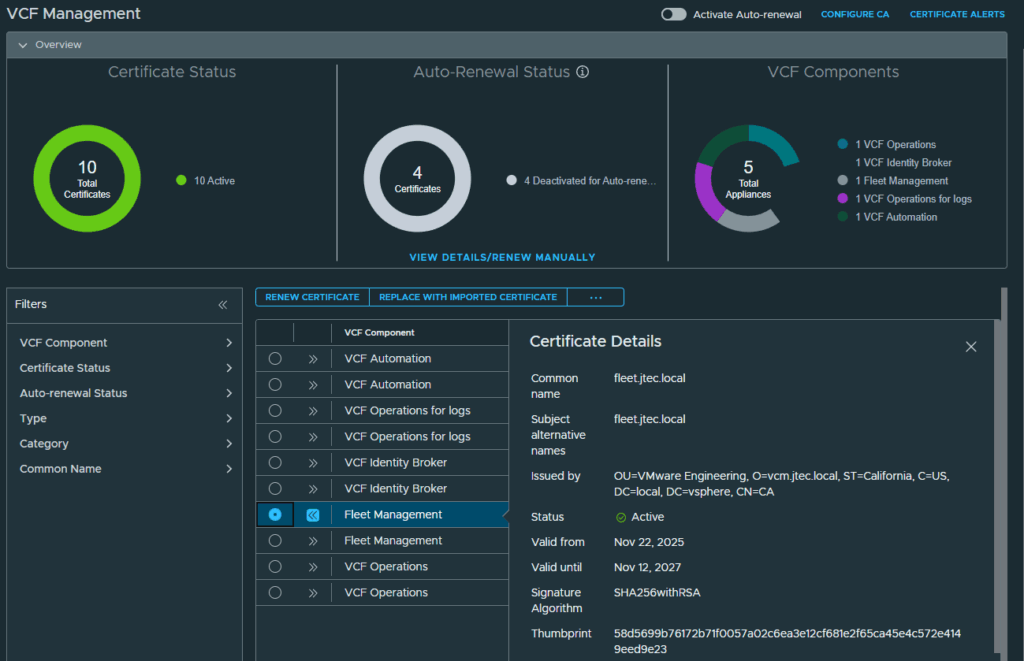
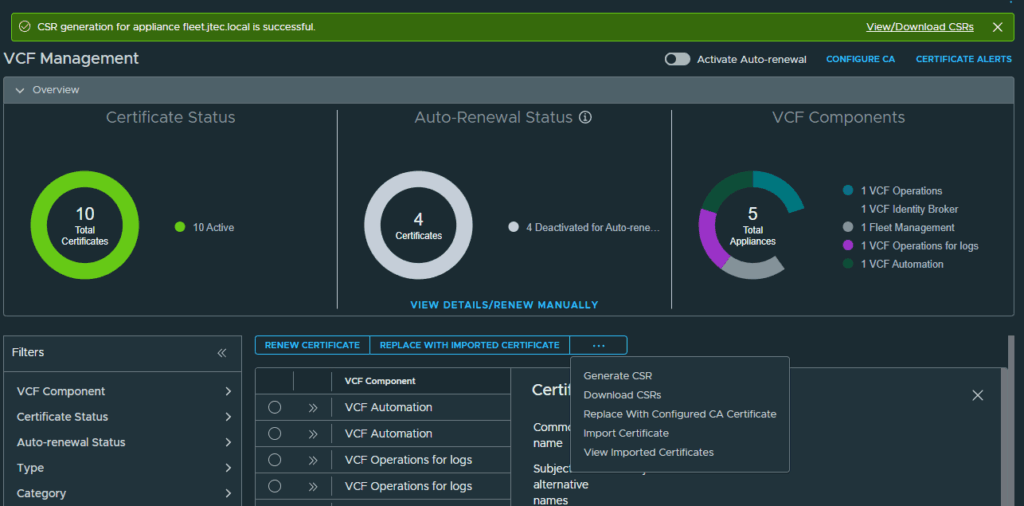
Click the 3 dots above the components and click Generate CSR
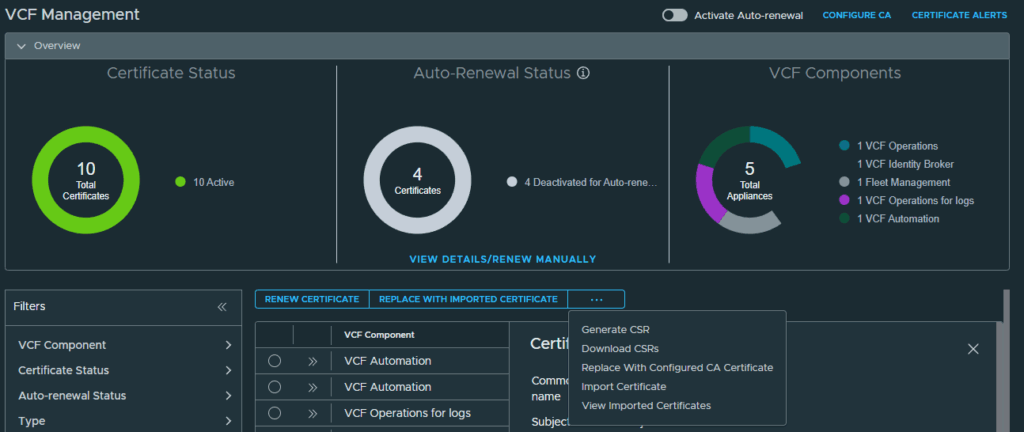
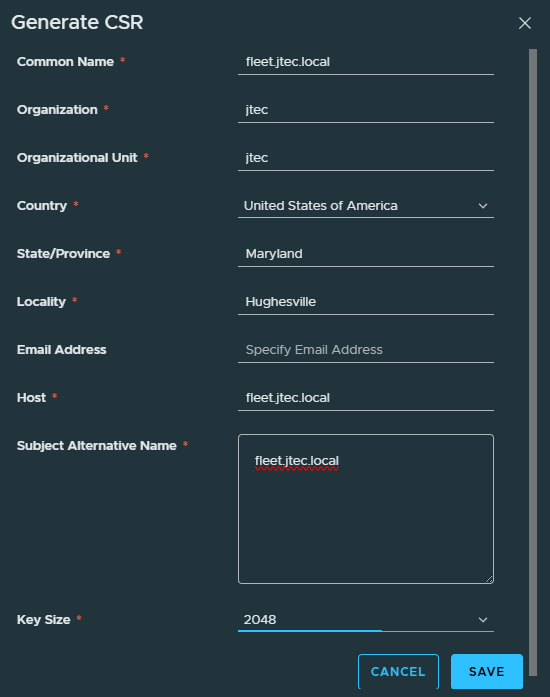
Input the required information for the certificate signing request and click Save
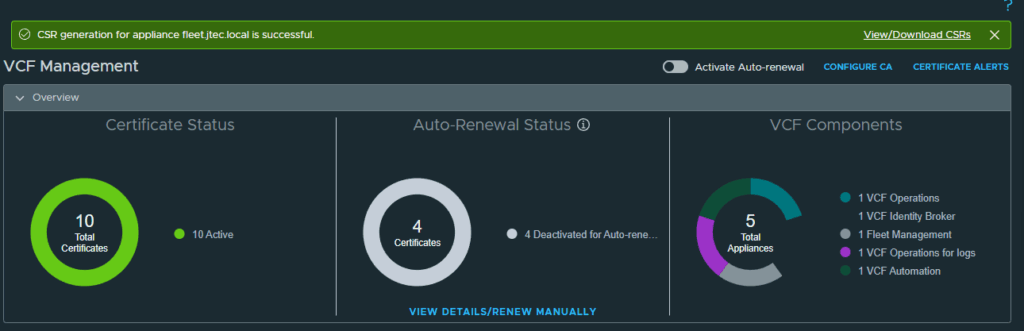
A notification will appear after the CSR generation is successful at the top.
Click the 3 dots again and click Replace With Configured CA Certificate
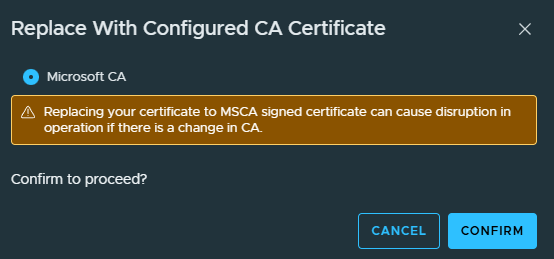
A pop-up will appear to confirm that you want to replace the certificate with a Microsoft CA certificate. Click Confirm.
The certificate deployment process will start.
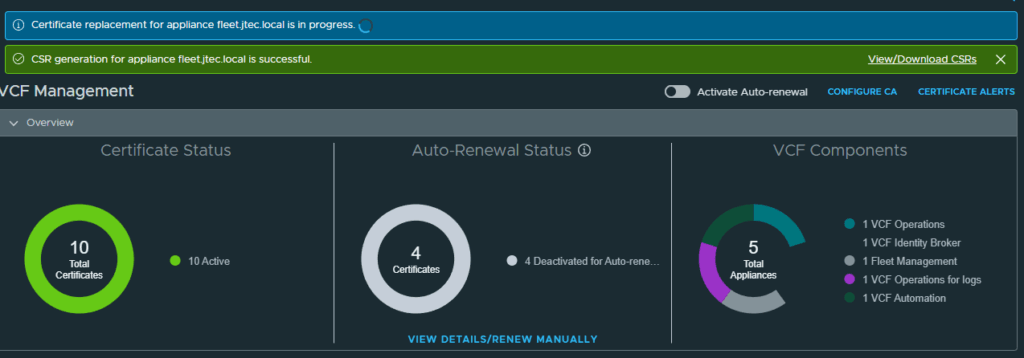
It will take some time to deploy this certificate as it requires service restarts on the fleet manager.
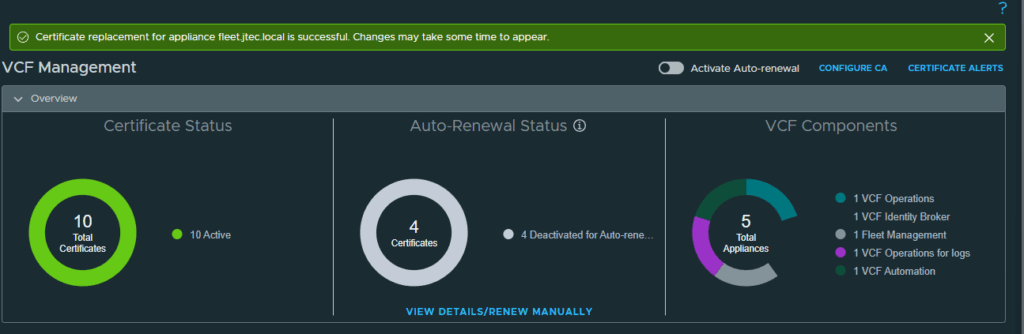
After the certificate replacement has completed, it will take time for the changes to be reflected in VCF Operations.
Repeat the process above for each individual component within VCF to replace the self-signed certificates that we created during deployment.