
In a previous post I went over how to configure the virtual switch for nested vsphere, in this post I am going through the steps of deploying a VyOS virtual router that will separate my physical network from the nested network.
Requirements
- VyOS ISOs downloaded and uploaded to a datastore of your choice. To obtain the rolling release of VyOS click here.
Virtual Router Deployment
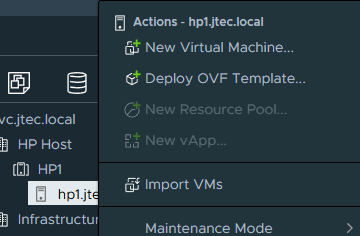
On your esxi host right click on the host name and select New Virtual Machine
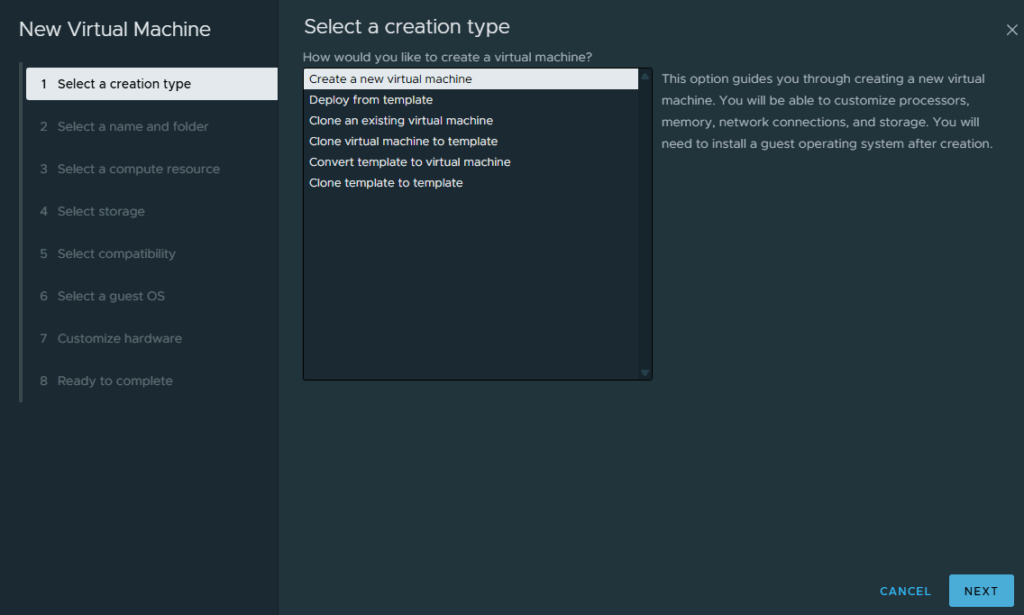
Select create a new virtual machine and click Next in the creation type window
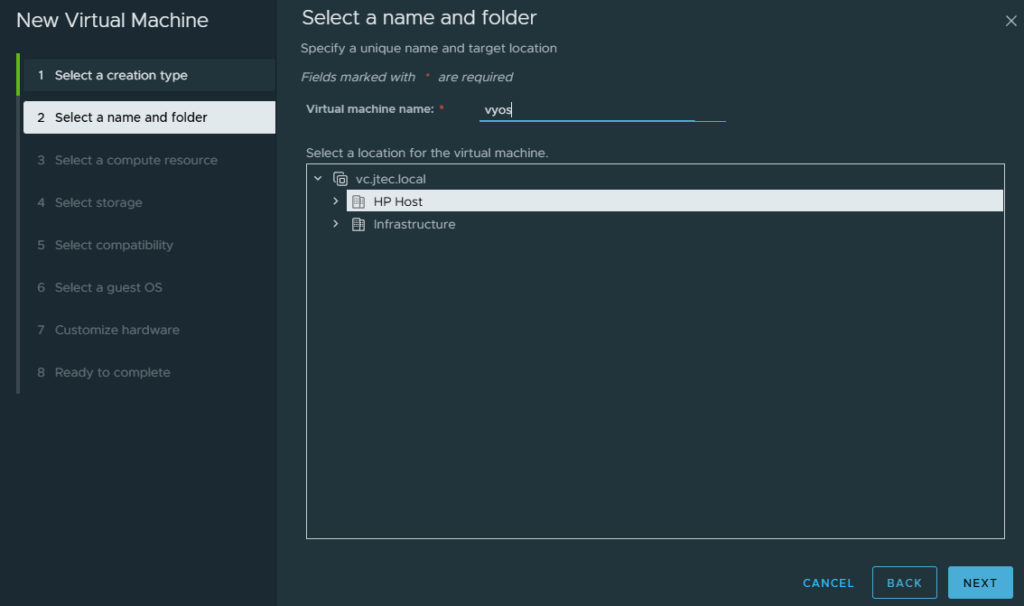
Enter the virtual machine name and ensure the correct datacenter is selected, then click Next
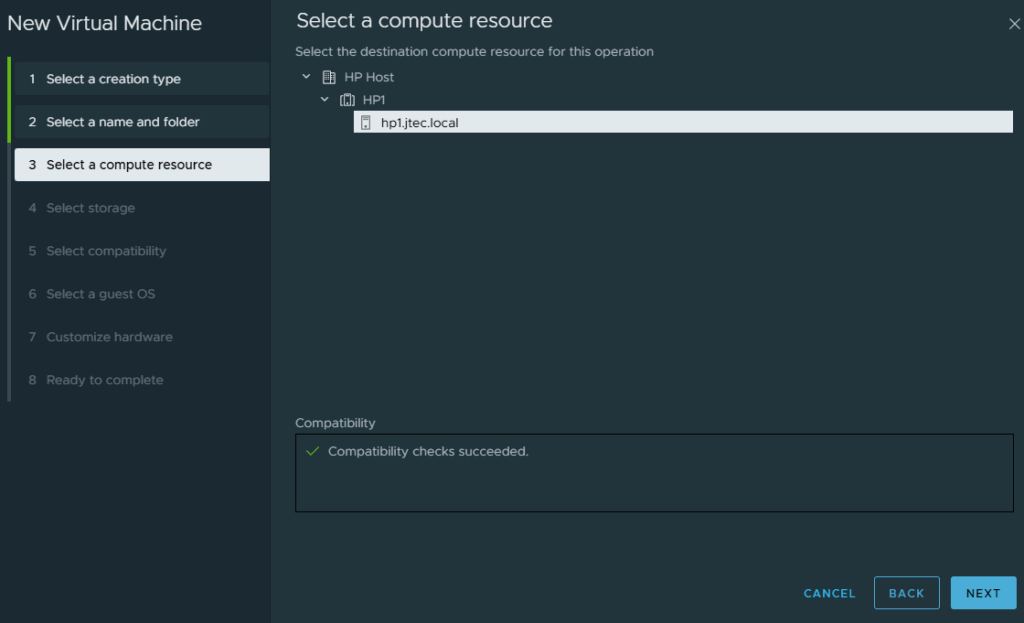
The esxi host is pre-selected in the compute resource window, click Next
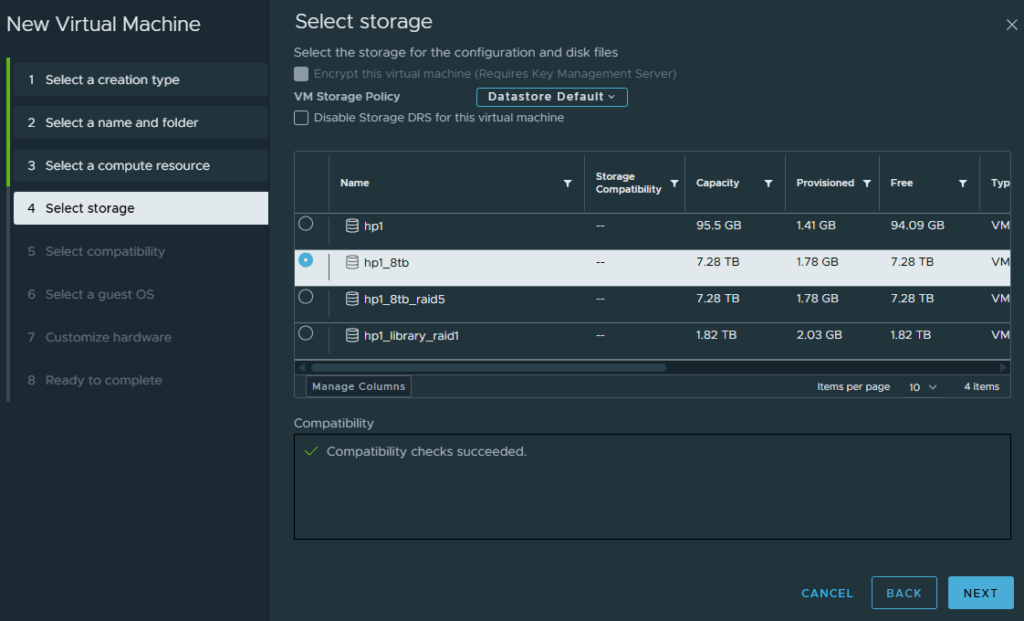
Choose a datastore for the virtual machine to reside on and click Next
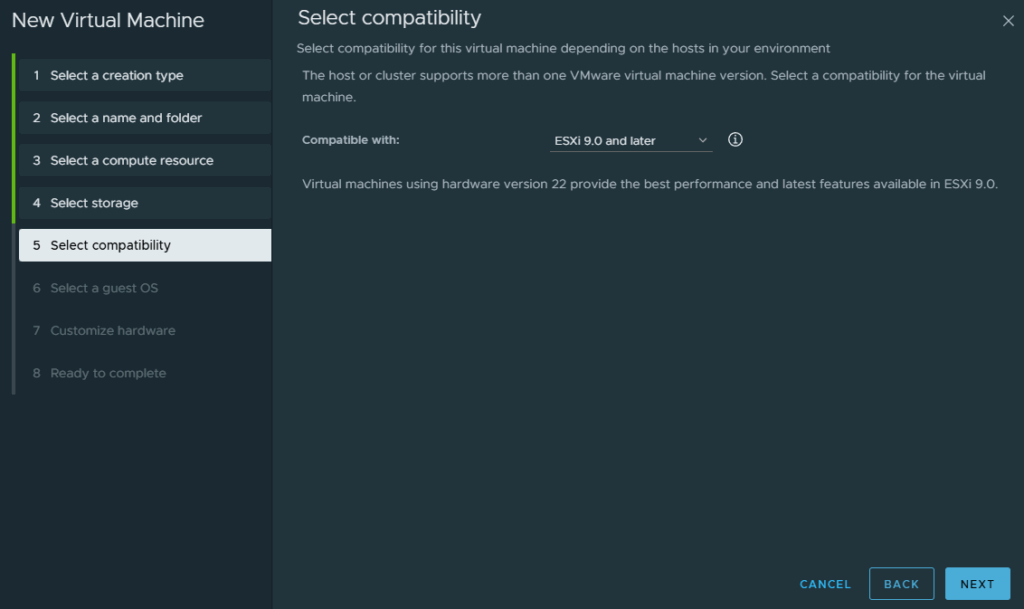
Leave the default compatibility selected and click Next
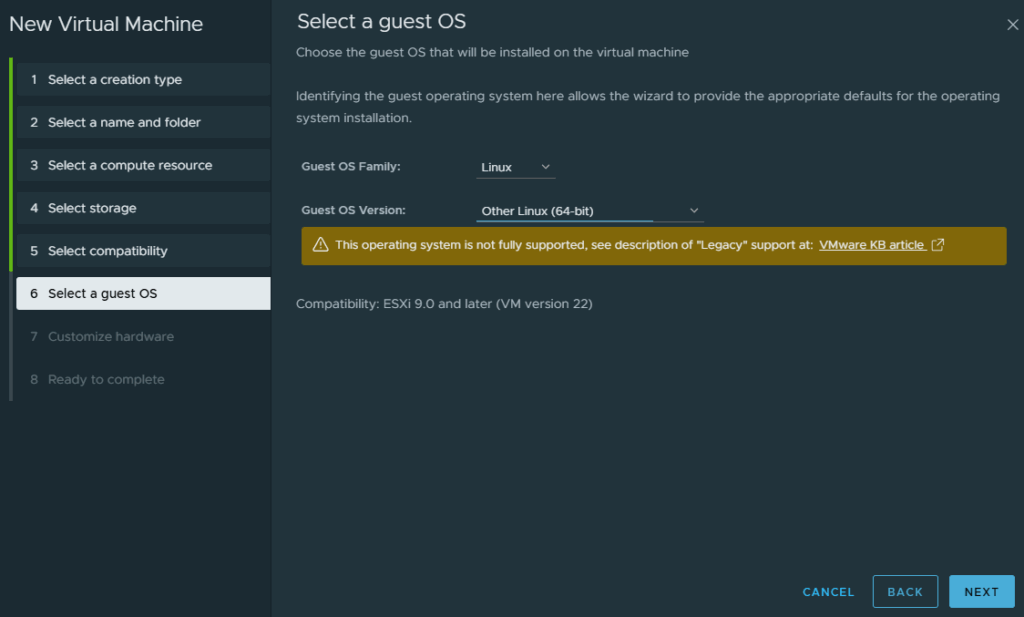
Under Guest OS Family select Linux and for Guest OS Version select Other Linux (64-bit), then click Next
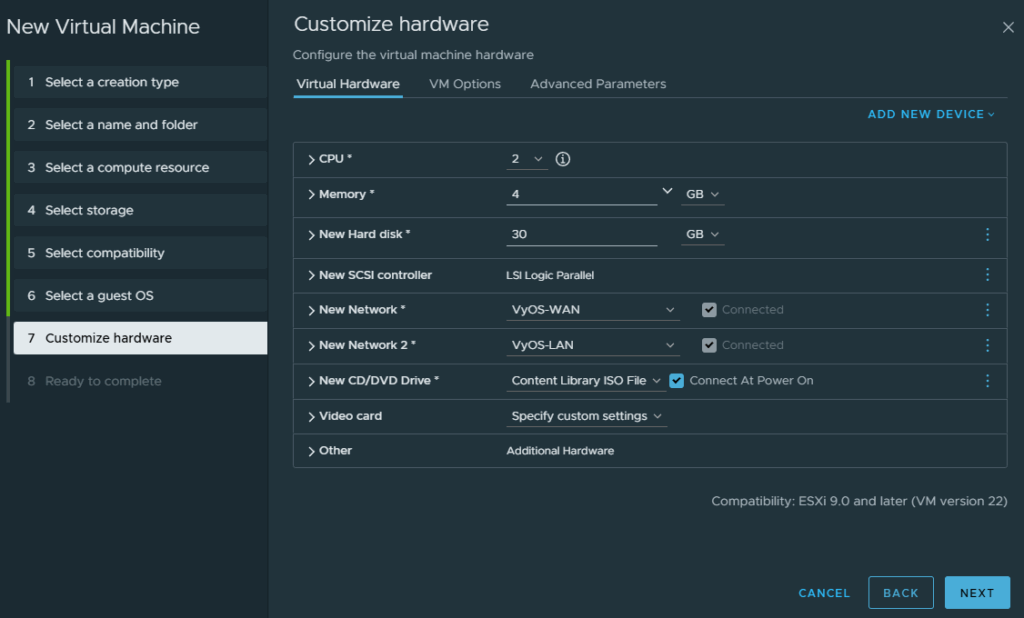
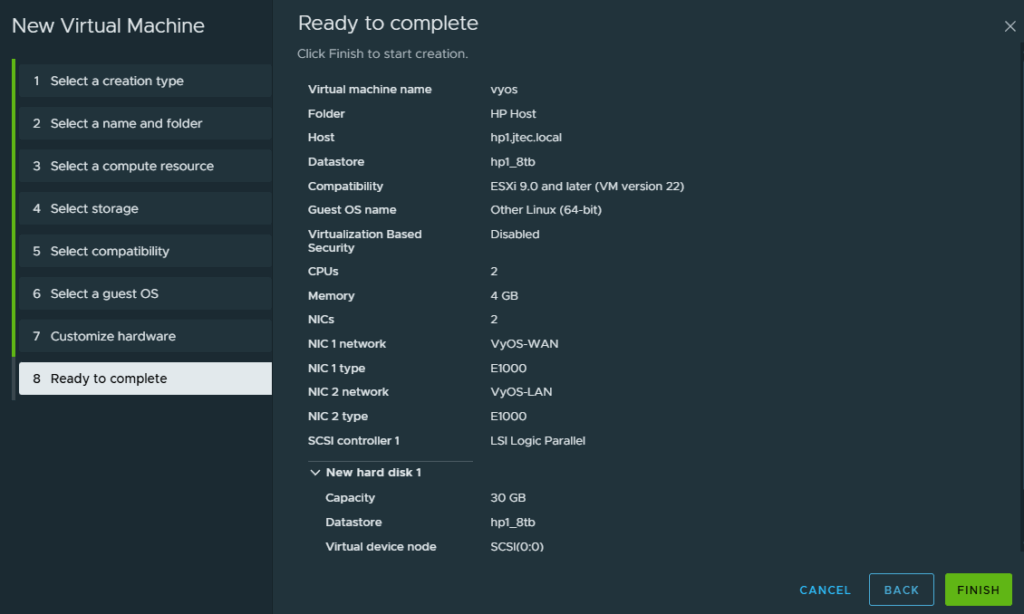
Under customize hardware, I have selected the below resources
- CPU – 2
- Memory – 4GB
- Hard Drive – 30GB
- Network Adapter 1 – VyOS-WAN
- Network Adapter 2 – VyOS-LAN
- CD/DVD Drive – Datastore Location for VyOS ISO (Ensure connect at power on is selected)
Click Next
At the Ready to complete, review your settings and click Finish
After it has created, power on the virtual machine and follow the prompts to install VyOS. If you have trouble please refer to this blog post for additional help.