
Replace ESXi Host Certificates in VCF Operations
Walk through ESXi certificate replacement in VCF Operations, from showing hosts and generating CSRs to requesting configured CA certificates.
Overview
This ESXi certificate replacement walkthrough uses the Certificates view in VCF Operations. I make the hosts visible, generate a CSR and request a replacement certificate through the configured CA connection.
Host impact and completion checks
- Validate the CA setup at the correct VCF-instance scope, host FQDN/SAN and chain of trust. Record the previous issuer, serial/fingerprint and expiry for comparison.
- Plan for host-management service interruption and have recovery access. Verify current component backups and follow the exact release workflow for any maintenance/evacuation requirements.
- Replace one host at a time. Wait for its certificate task to finish and its vCenter connection to recover before proceeding.
- Inspect the new issuer, SAN, serial and validity dates; verify the host remains connected, cluster health is normal and no certificate alarms remain.
- Check that VCF inventory reflects the new certificate after refresh and that subsequent management/commissioning operations trust it.
Use the integrated VCF workflow here rather than mixing it with an unrelated manual certificate-mode change. The separate Broadcom CLI procedure has its own coordinated maintenance and trust requirements.
Show ESXi hosts in Fleet Management
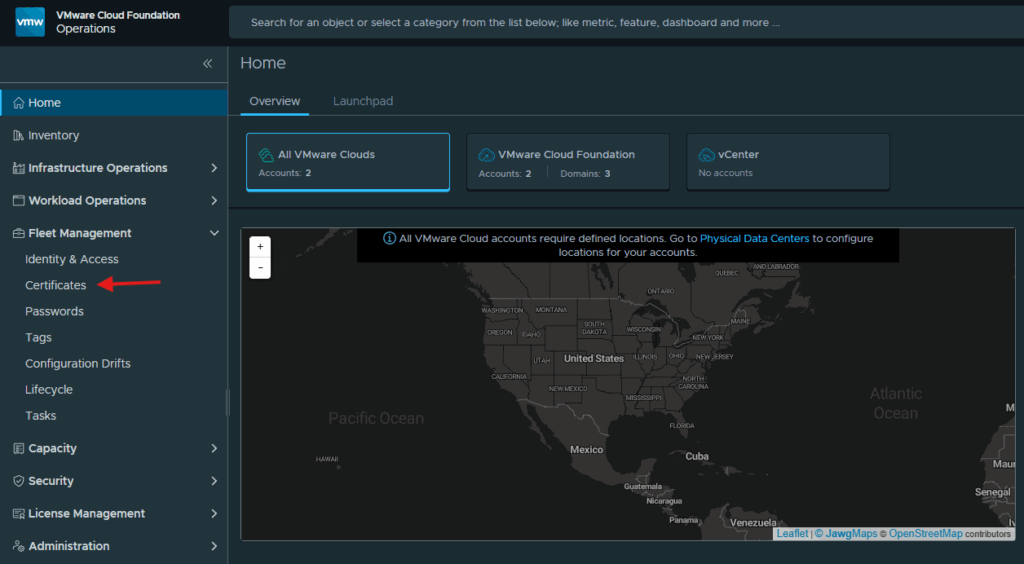
In order to replace the esxi host certificate, we first have to make them visible in the VCF Operations web gui. Start by logging in to the VCF Operations web gui, expand Fleet Management and click on Certificates.
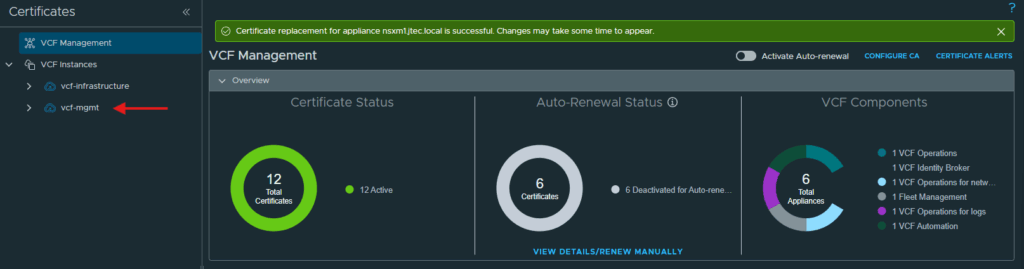
Expand VCF Instances and select one of the instances you want to replace certificates on.
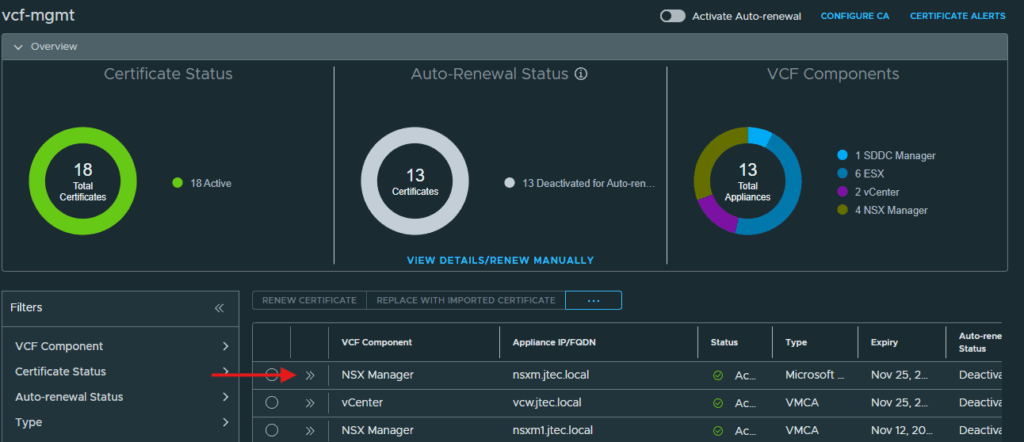
Expand the listing for one of the VCF components.
Click the button next to Show ESX Hosts so they become visible in the console.
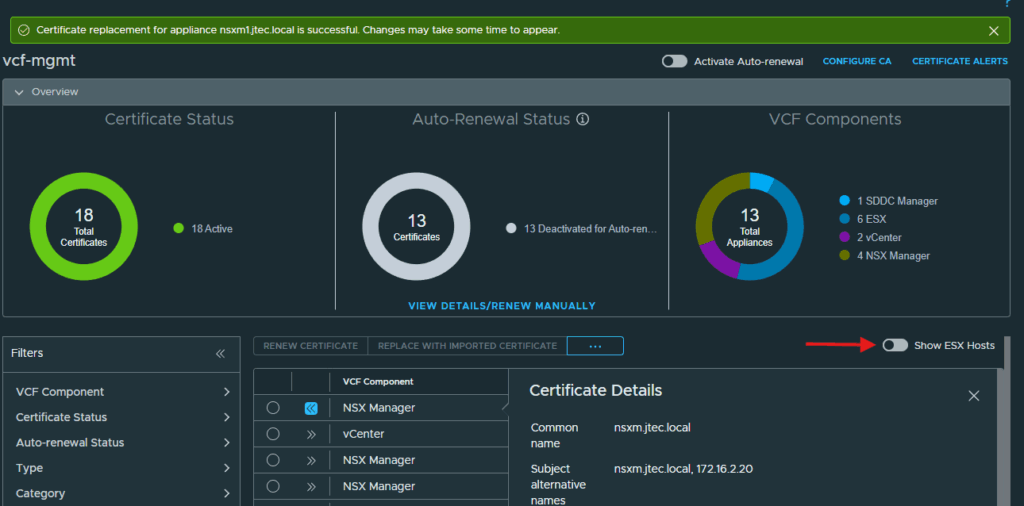
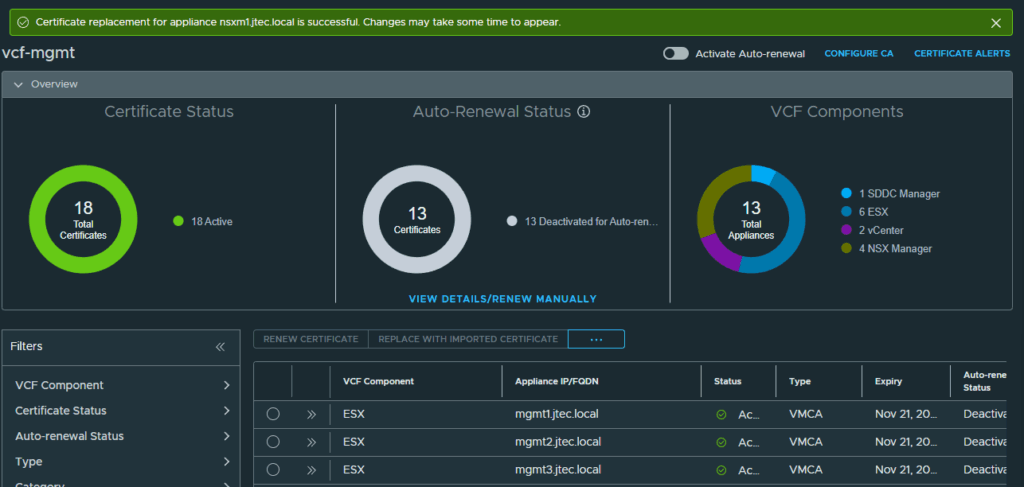
You can now see the ESX hosts listed under VCF Components.
Generate a CSR
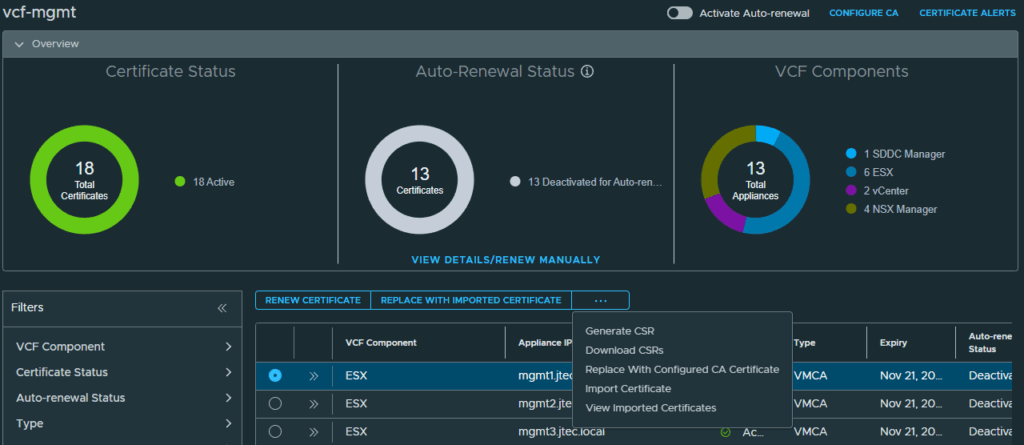
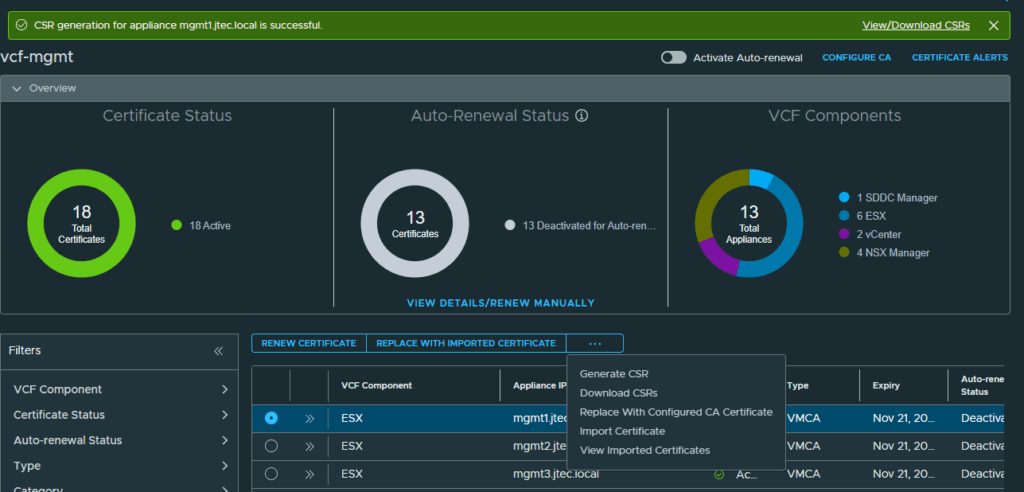
The process to replace these certificates is the same as before, select the radio button next to an ESX host and click the 3 dots to Generate CSR
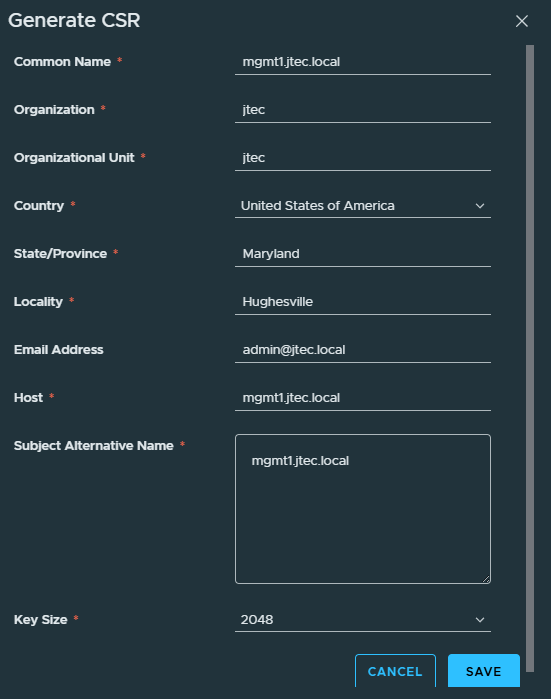
Enter in the required information for the certificate signing request and click Save.
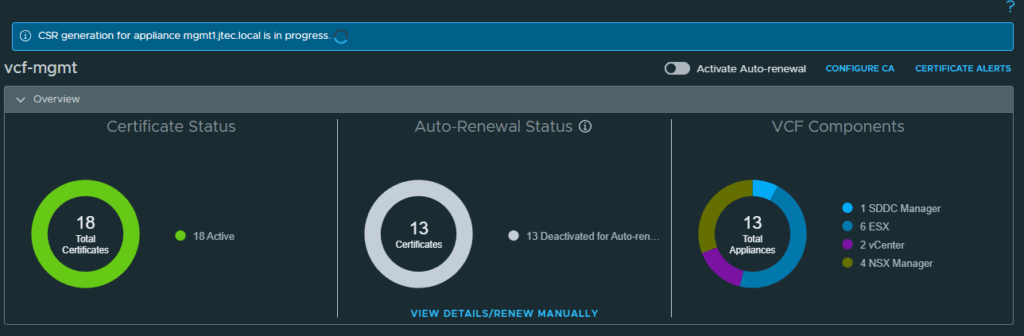
Wait for the certificate signing request to complete.
Replace the host certificate
Click the 3 dots and select Replace With Configured CA Certificate
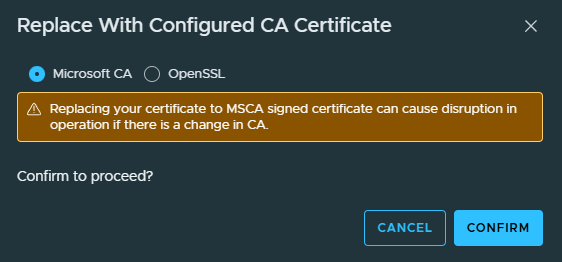
A pop-up will appear to confirm that you want to proceed with replacing this certificate. Click Confirm to continue.
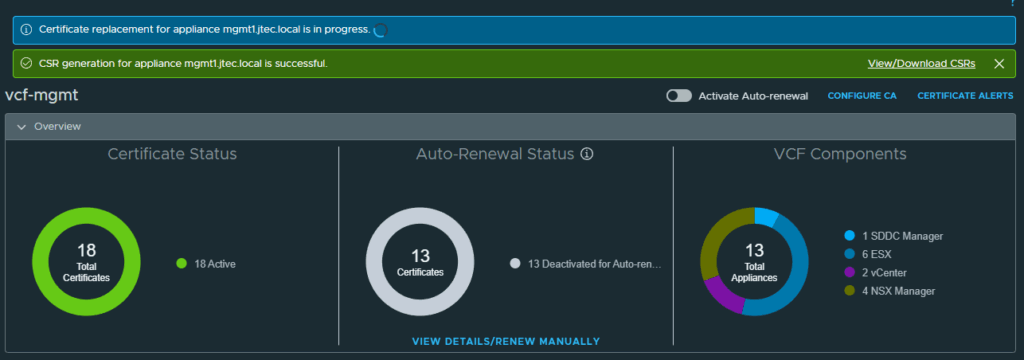
The replacement process will issue a new certificate from the Microsoft CA, import in on to the ESX host and restart host management services.
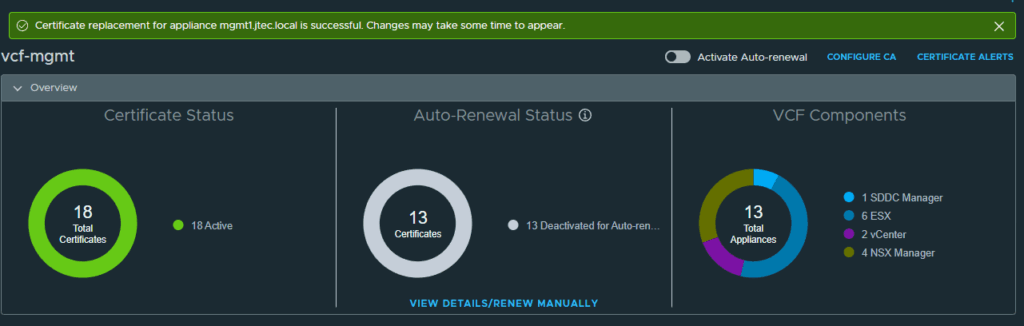
You can repeat this process for each additional ESX hosts after the replacement has completed.
You can return to my main VCF Lab page to follow along with this deployment.