
I decided to wait until after deploying my VCF management domain to deploy automation. In this post I am going to walkthrough the deployment of VCF automation.
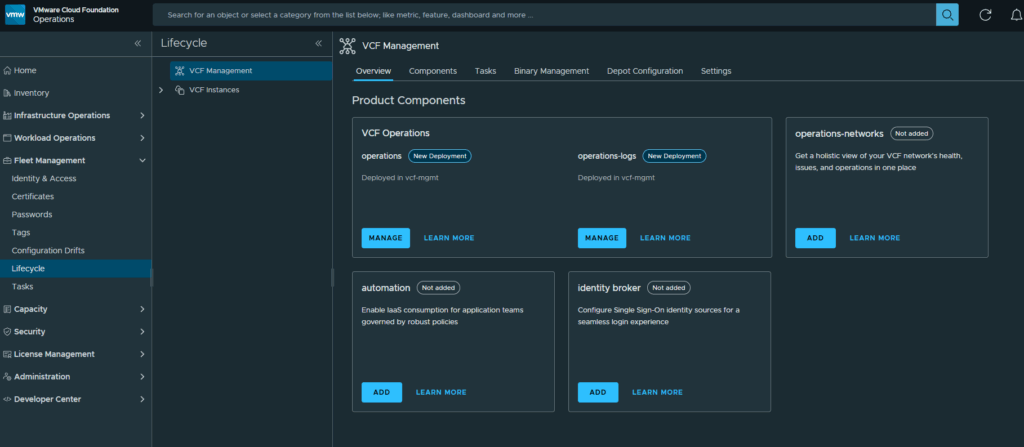
Login to your VCF Operations web gui and select Fleet Management and click on Lifecycle
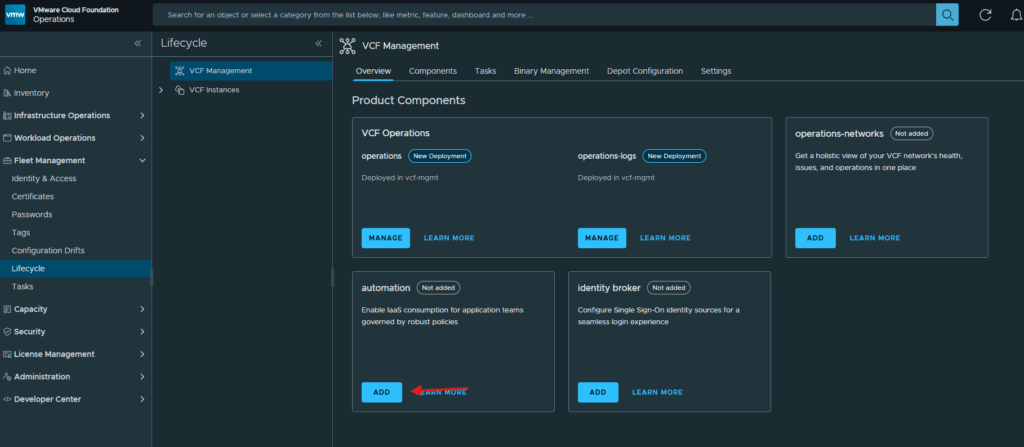
Click on Add under the automation box
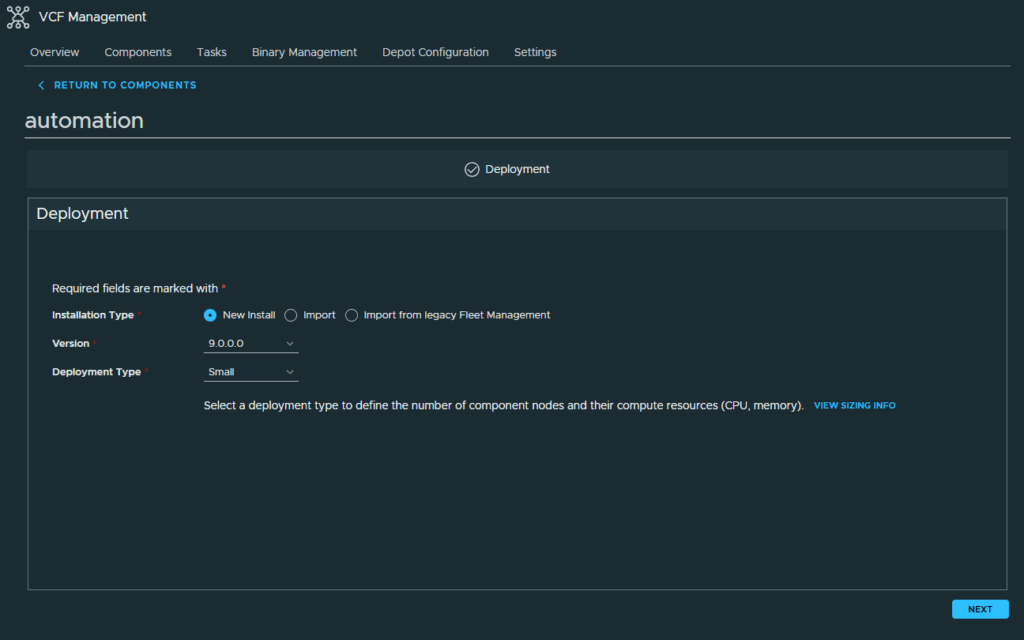
At the Deployment screen, select the installation type, version and deployment type. Then click Next
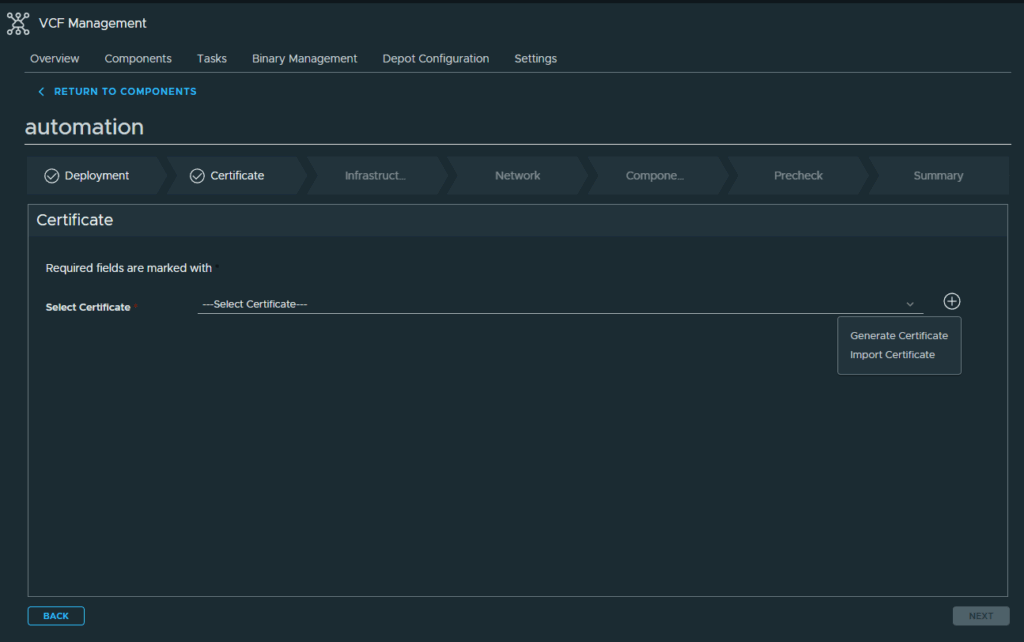
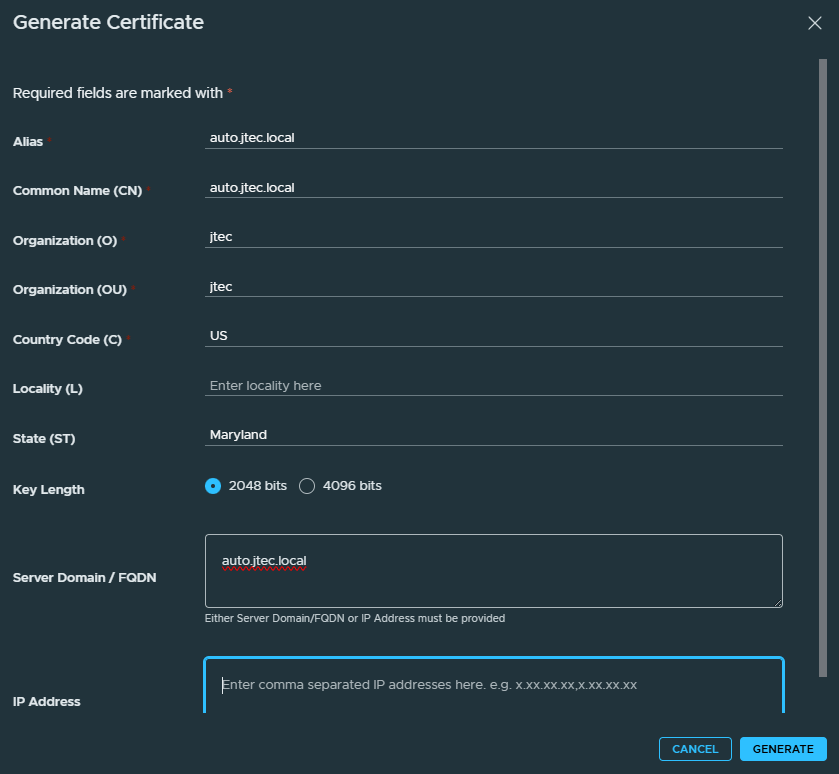
I am going to generate a self-signed certificate for this initially, click the Plus sign and select Generate Certificate
In the Generate Certificate pop-up, enter in the required information and click Generate
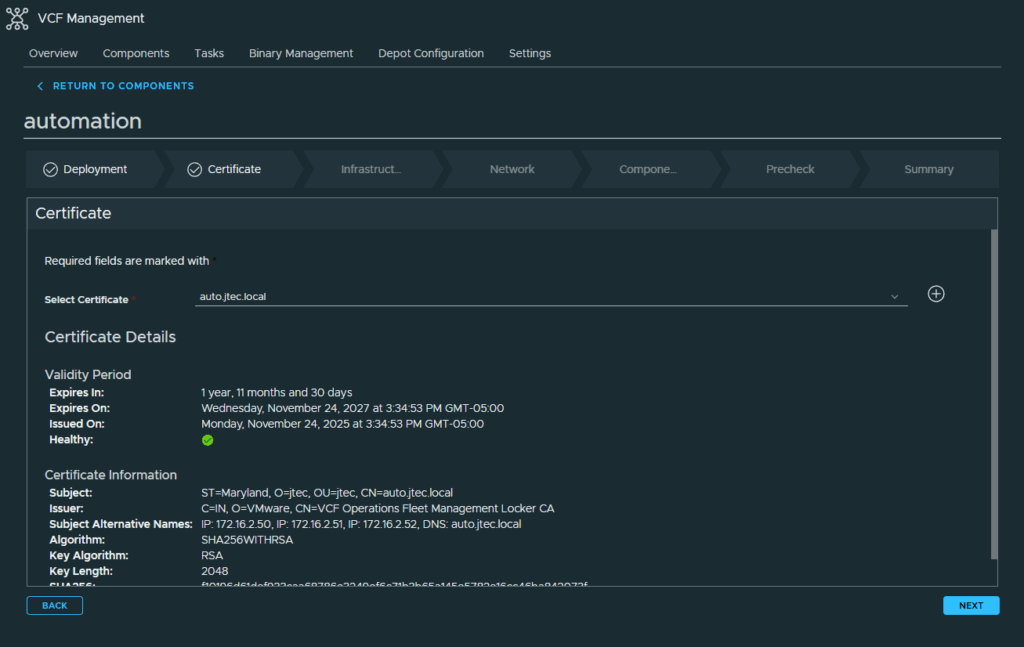
Click the drop-down to select the automation certificate and click Next
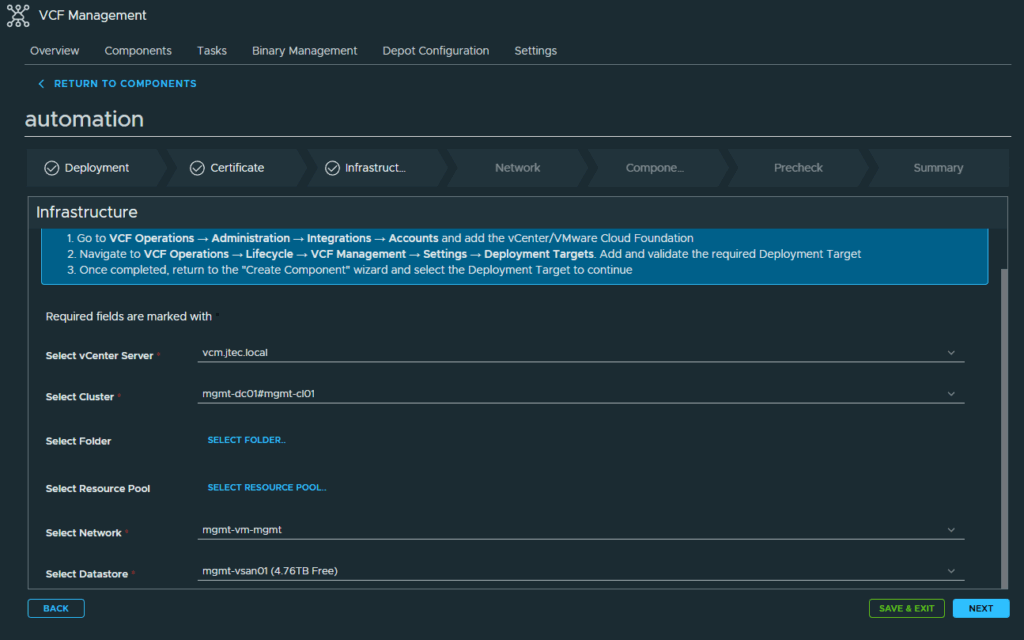
At the Infrastructure screen, select the deployment requirements and click Next
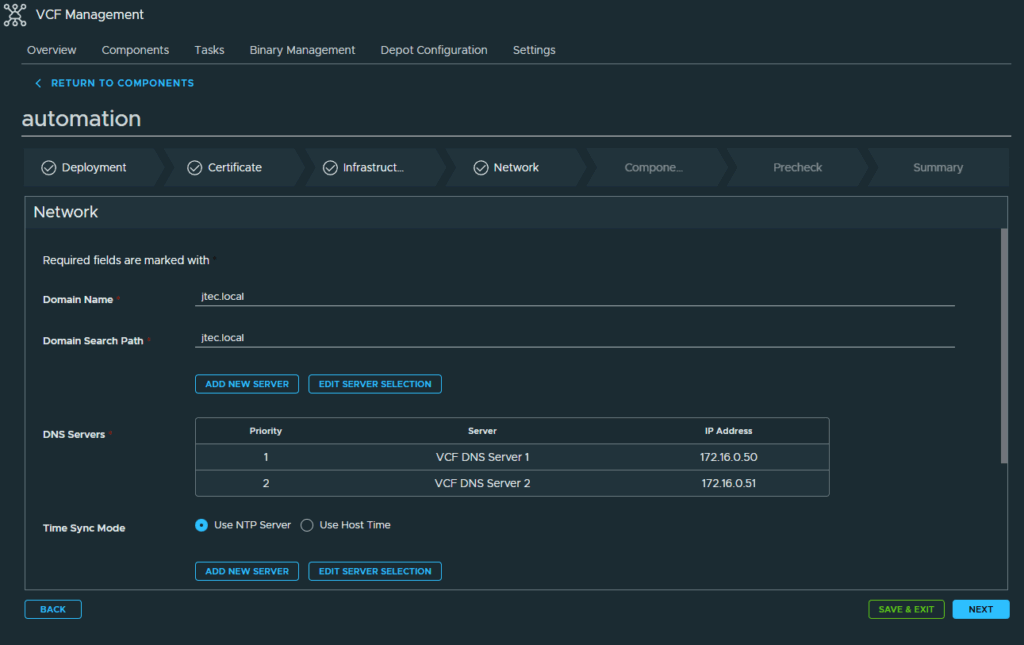
In the Network screen, enter in the required domain, ntp and subnet information. Click Next to continue
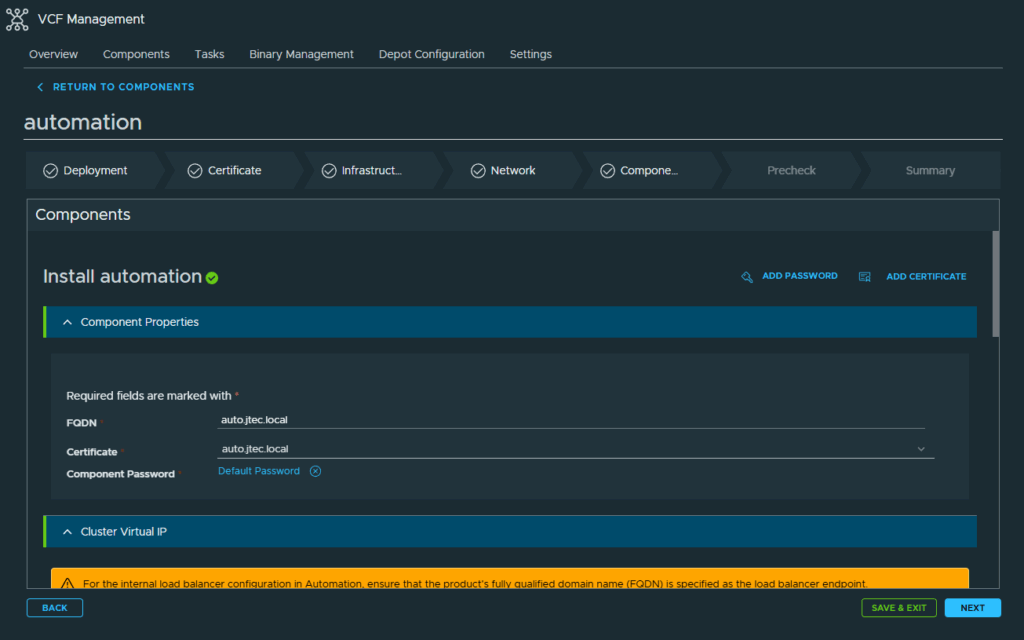
At the Components screen, enter in the relevant FQDNs, cluster VIP, Node IP Pool and additional required information. Click Next to continue to the PreCheck screen.
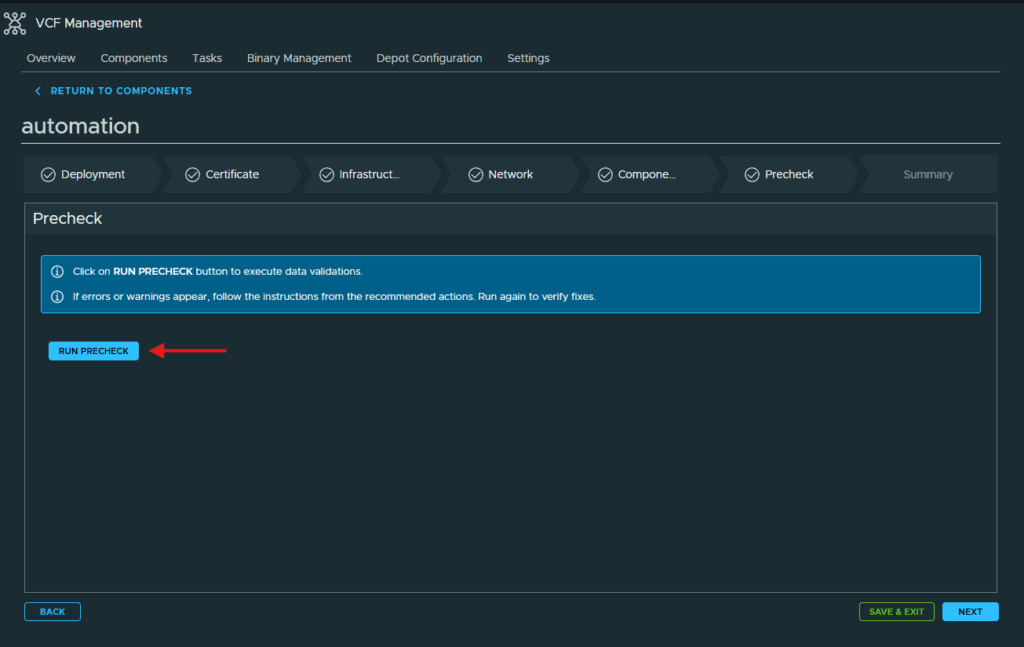
Click Run Precheck to validation all the information you entered is correct
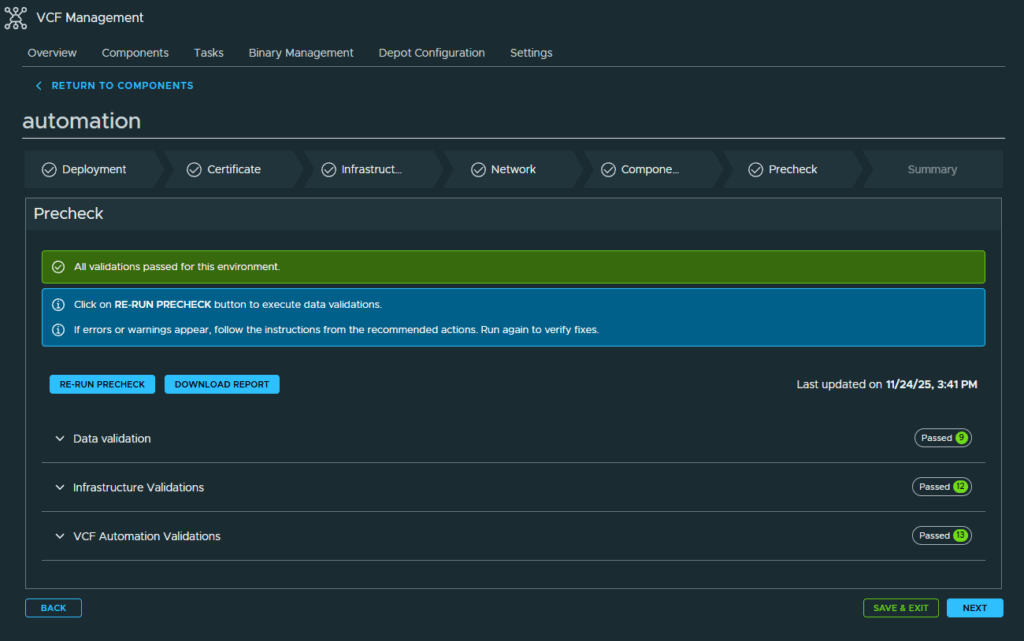
Once the Prechecks have passed, click Next to continue.
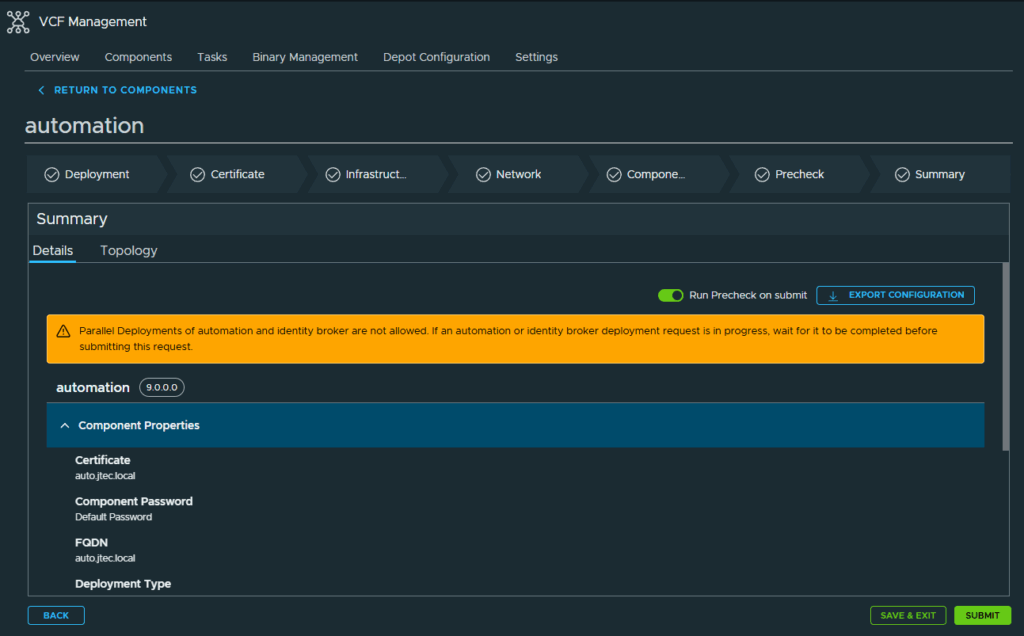
At the Summary page, review the information you entered just as a final validation as any changes after the fact may require a re-deployment. Click Submit to start the deployment.
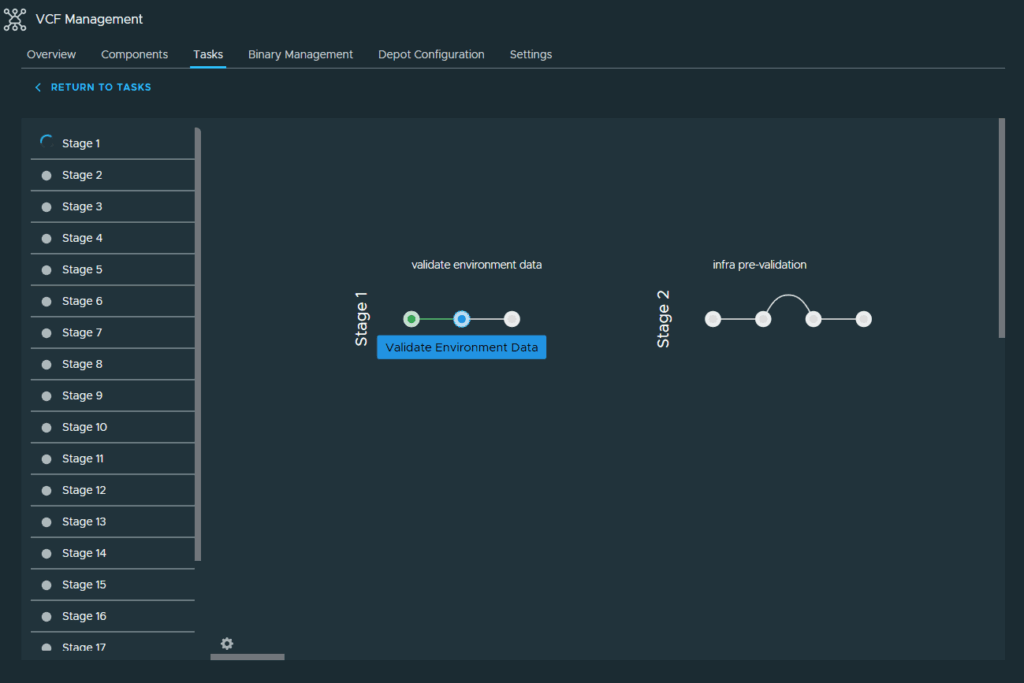
The deployment will run another Precheck and then begin deploying VCF Automation. Depending on your backend architecture this could take quite a bit of time to finish.
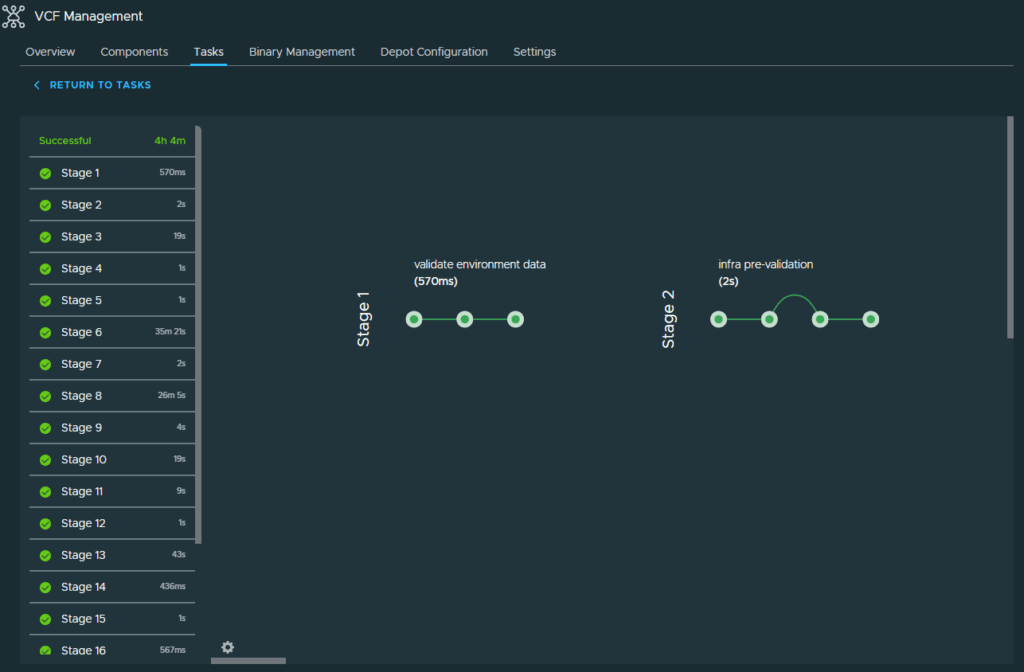
With the deployment successful, I will move on to deploying the other components of VCF
You can return to my main VCF Lab page to follow along with this deployment.