
Previous versions of VCF would have given you the option to deploy an Identity broker through Aria Lifecycle Suite Manager (Workspace ONE Access) and then you could manually configure if for the environment to be used for single sign on. In VCF 9 they have enhanced this capability further to allow for a simple embedded identity broker or an external identity broker that can be deployed using the fleet manager.
For a lab environment the simple embedded identity broker would certainly suffice, but since I am going to be using this environment to help me with assisting customer deployments I wanted to get experience deploying the external broker.
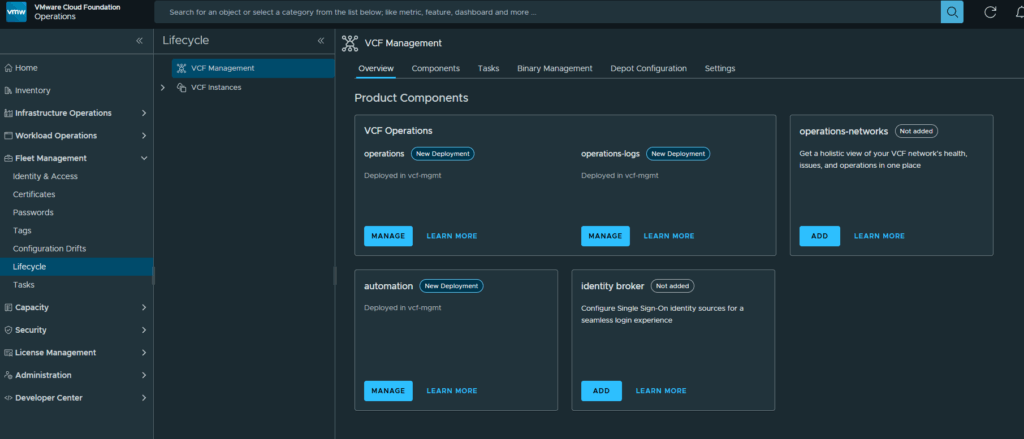
We first need to login to the VCF Operations web gui, expand Fleet Manager and click on Lifecycle
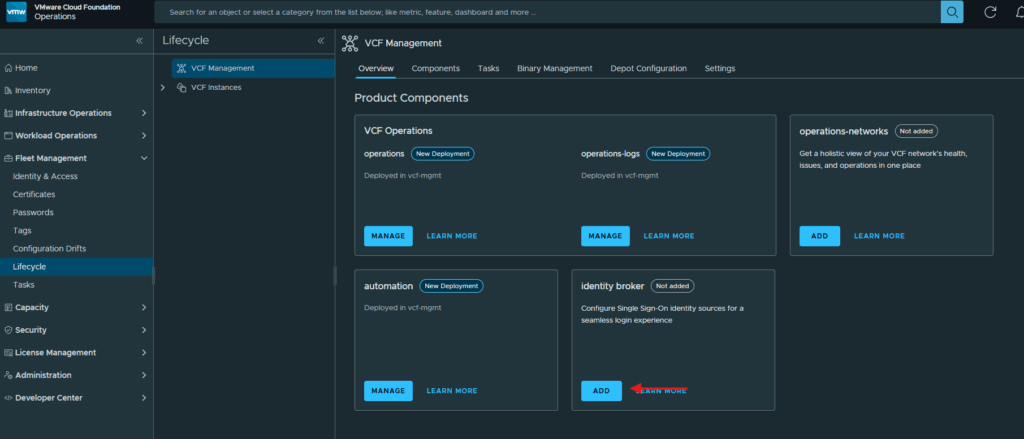
Click on Add underneath Identity Broker
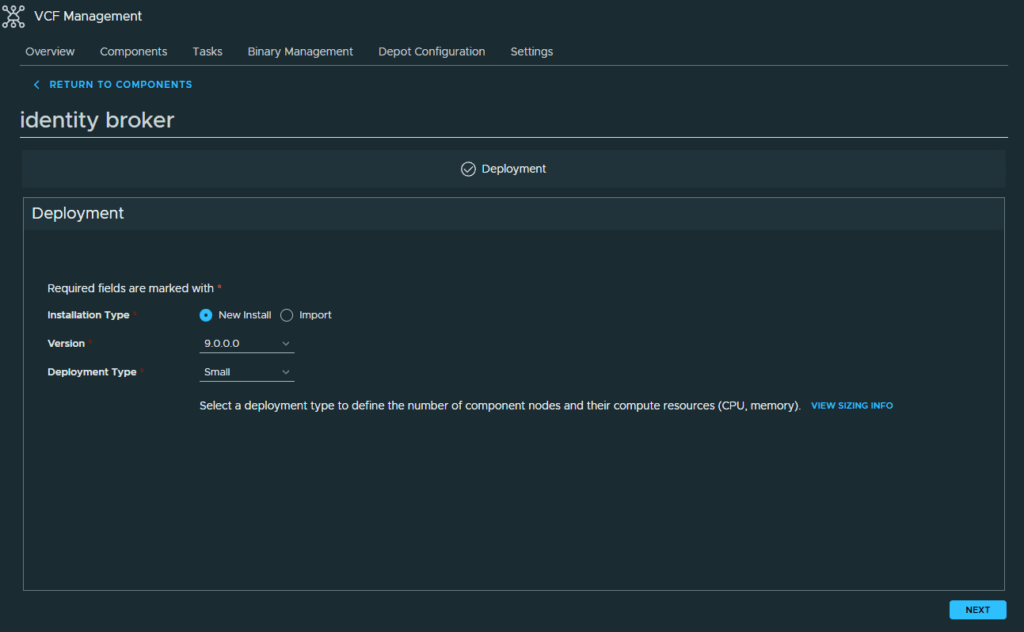
At the Deployment screen, I am selecting to do a new install and deployment type of small which is the only option. Click Next to continue
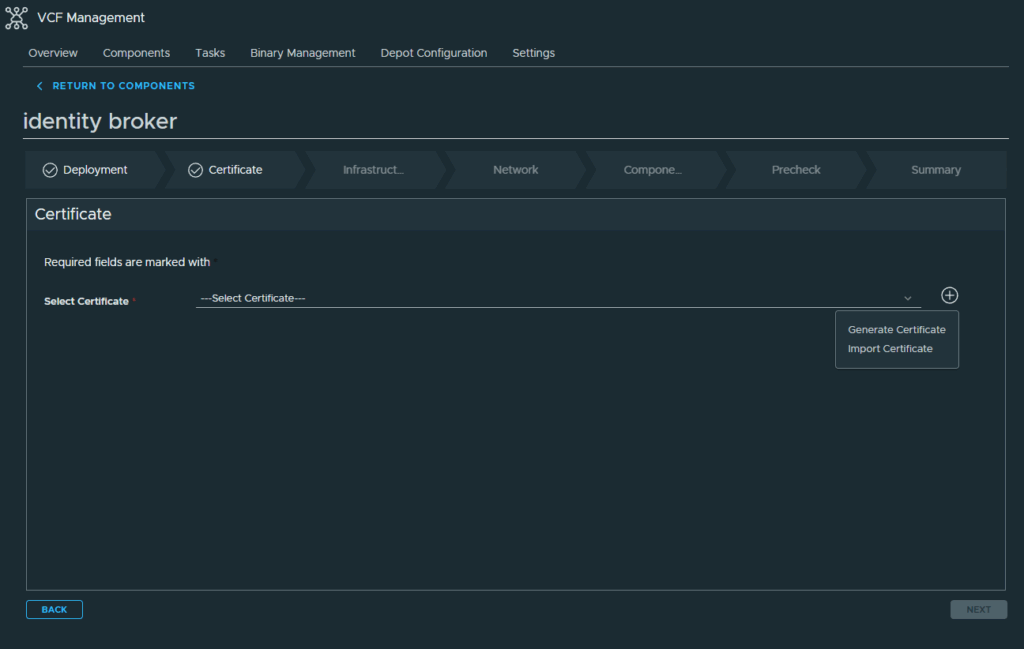
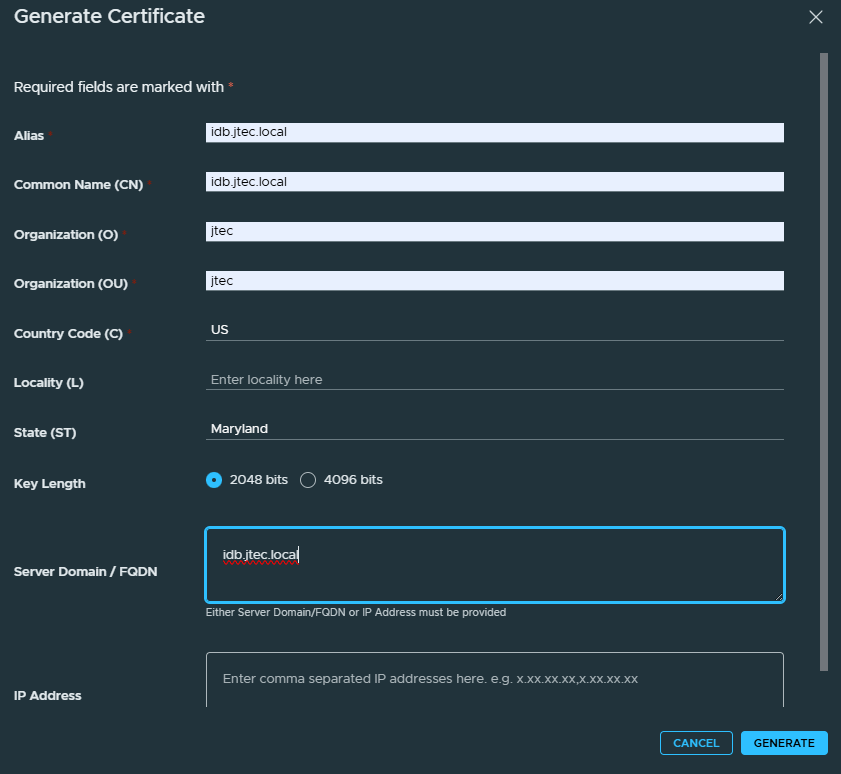
I need to generate a self-signed certificate, click on the Plus symbol and select Generate Certificate
Enter in the required information in the Generate Certificate pop-up and click Generate to create the certificate.
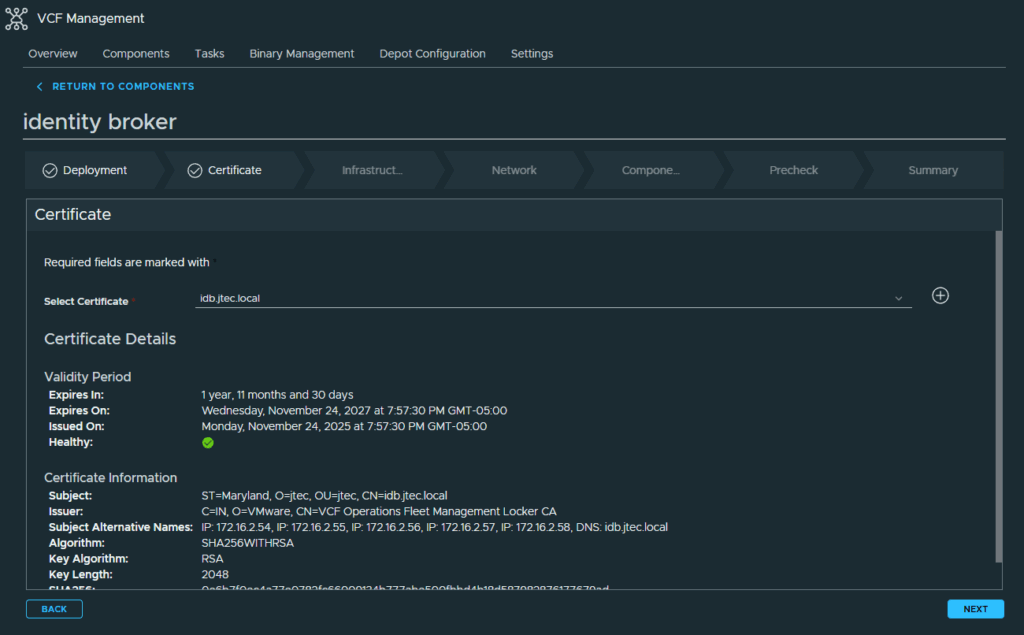
Select the newly created certificate in the drop down and click Next
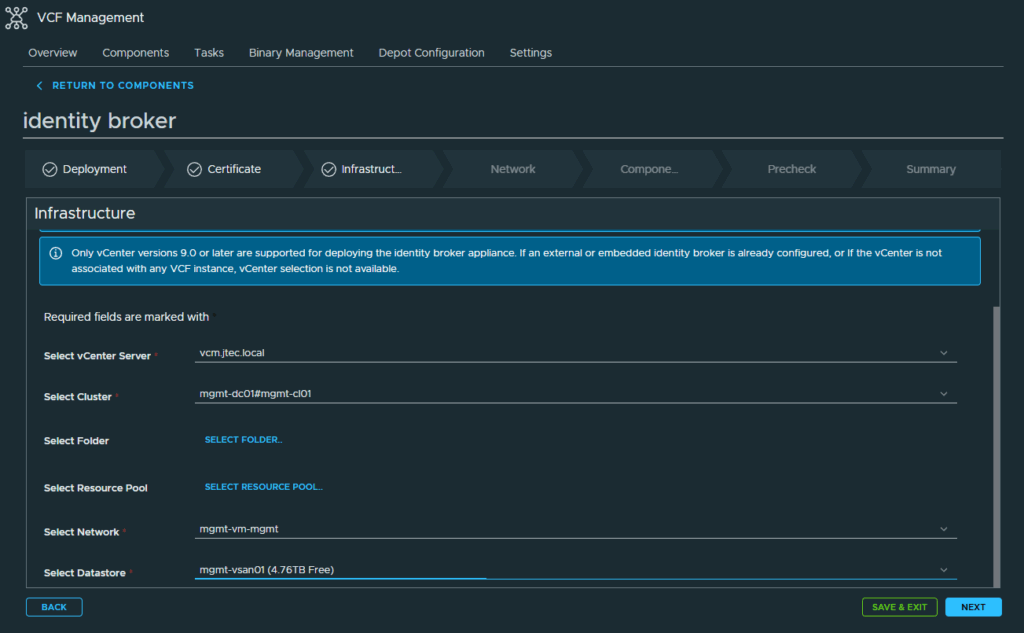
Input the required information at the Infrastructure screen and click Next
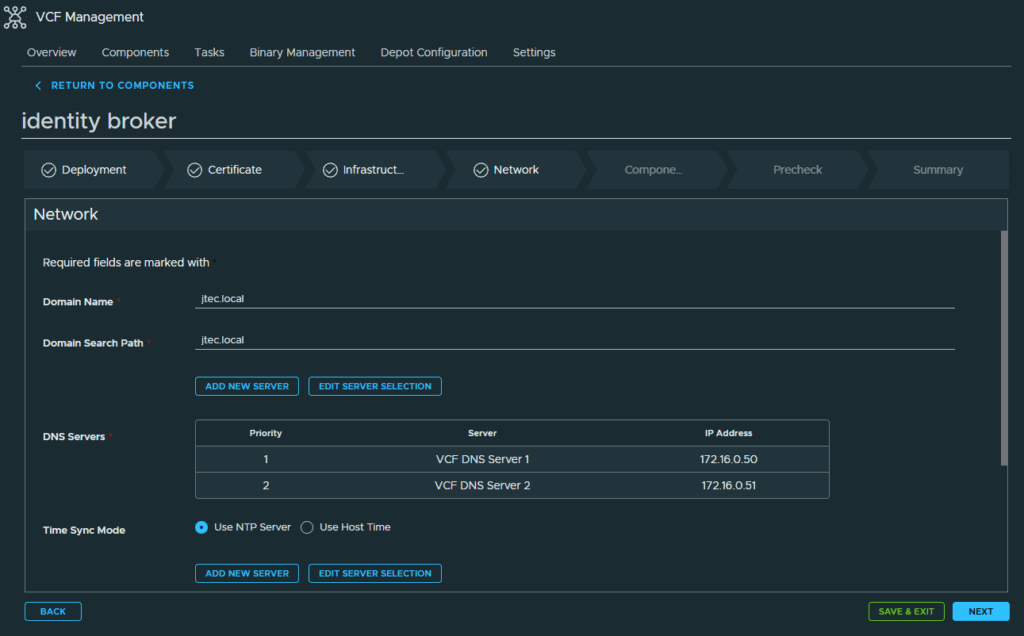
At the Network screen, enter in the domain, DNS and NTP settings along with the gateway and netmask. Click Next to continue
For the Components screen, enter in the FQDN, node prefix, cluster VIP and cluster node IP Pool information and click Next.
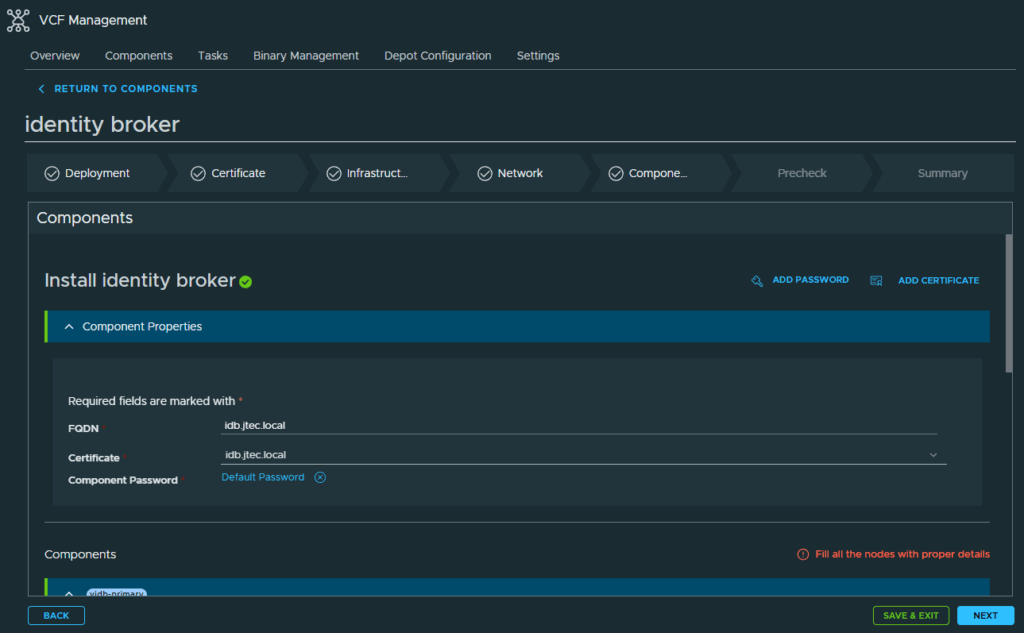
Click on Run Precheck
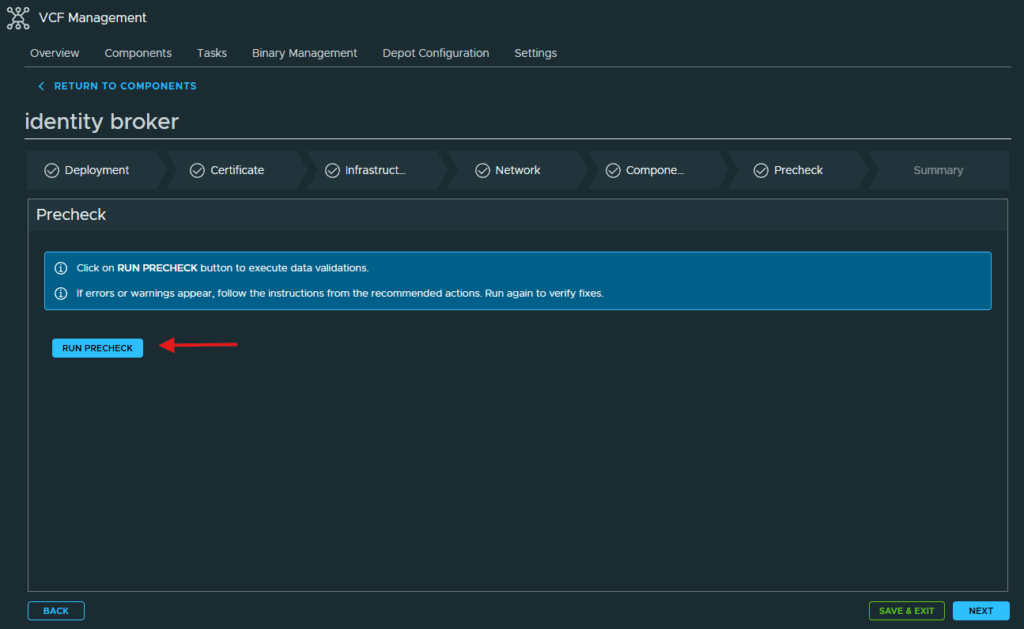
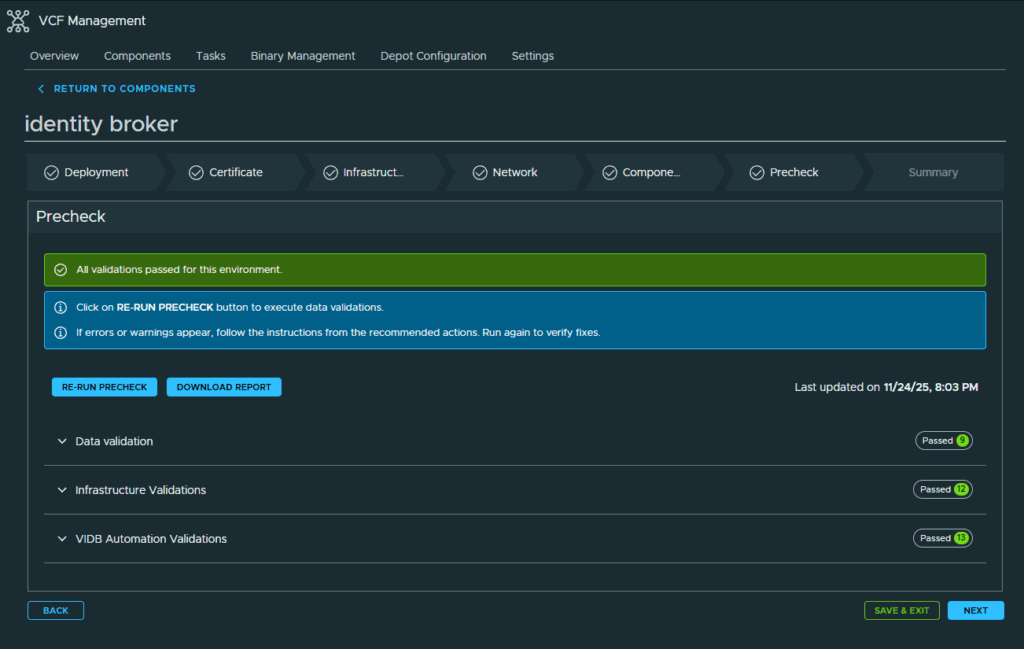
After the Prechecks have completed and passed, click on Next to continue. If you have any errors, address them and re-run the Precheck.
Review all the information you entered in the Summary page just to confirm prior to deployment and if everything is correct, click Submit
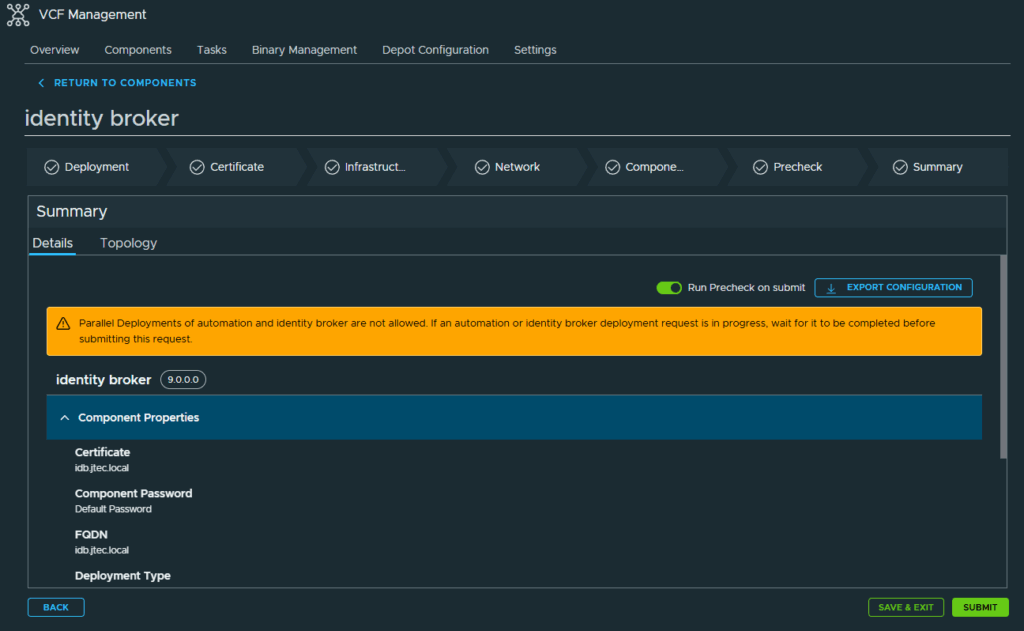
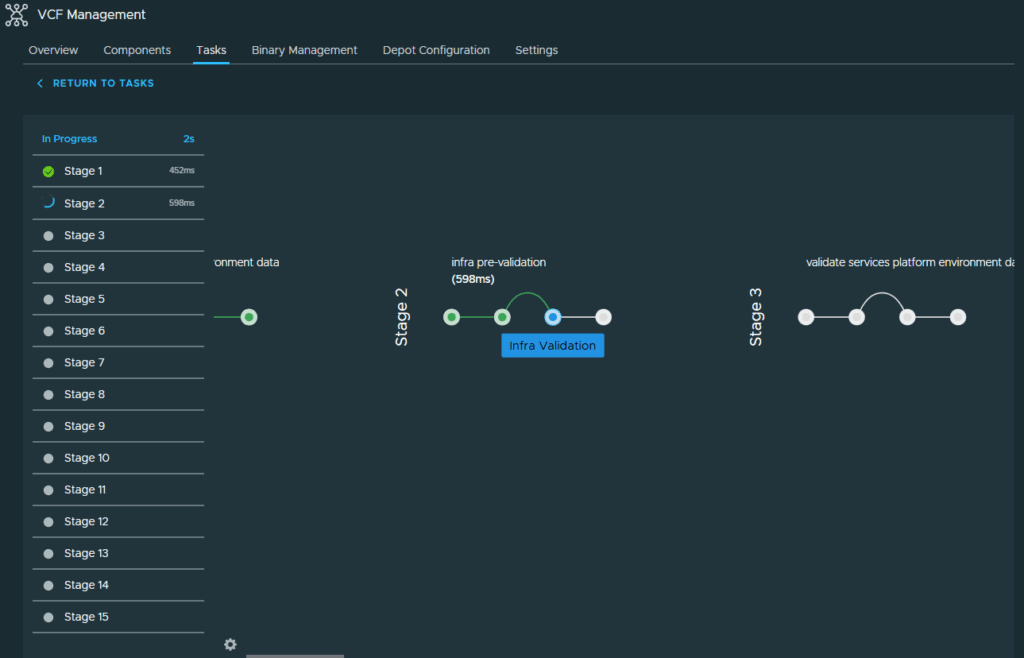
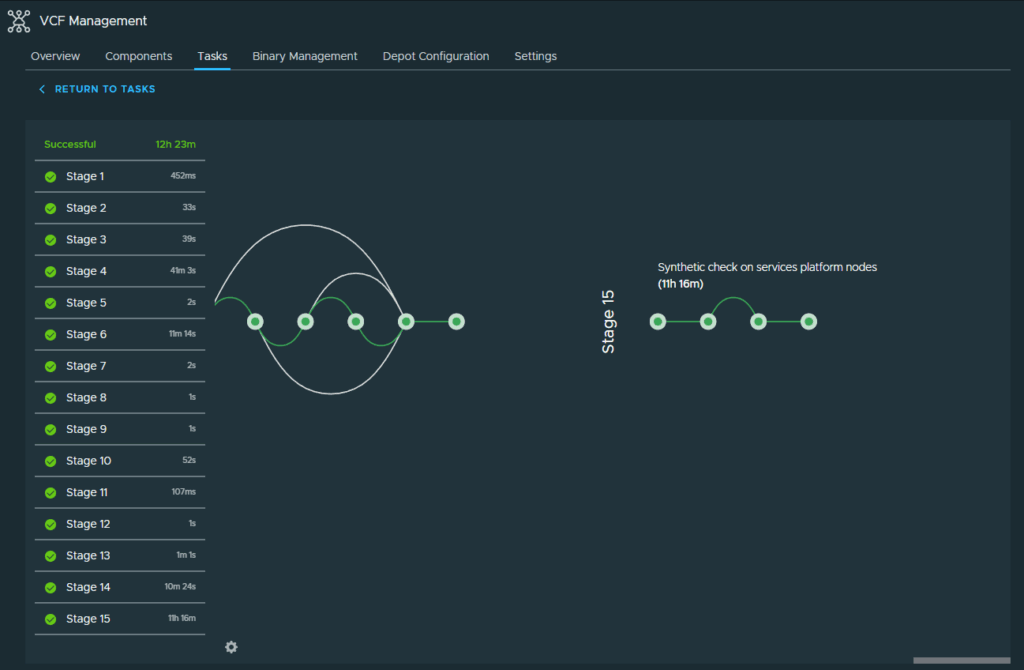
The deployment process will start. This will create a cluster of 3 identity broker nodes in your environment.
With the Identity Broker deployed, we can move on to configuring single sign on. I will be cover this in another post.
You can return to my main VCF Lab page to follow along with this deployment.